

Calendar-Based Time Tracking vs. Manual Entry: Pros & Cons
Calendar-based tracking uses events you already have. Manual tracking captures everything but requires discipline. Here's an honest comparison with data on accuracy, effort, and cost.
Two Philosophies of Time Tracking
Every time tracking system falls into one of two camps:
Calendar-based: Your calendar already records meetings, calls, and scheduled work. Export it as a timesheet. You're tracking retroactively from existing data.
Manual entry: You actively log every task — either with a timer (start/stop) or by typing entries into a spreadsheet. You're tracking proactively as you work.
Both work. Both have trade-offs. Here's an honest comparison.
How Calendar-Based Tracking Works
- You maintain your calendar normally — meetings, focus blocks, client calls
- At the end of the week, connect your calendar to an export tool
- Events become timesheet rows
- Review, adjust, export
What it captures automatically:
- Meetings with start/end times
- Recurring events
- Calendar-blocked focus time
- Video calls (Zoom, Teams)
What it misses:
- Unscheduled work (ad-hoc tasks, email, Slack)
- Work that you didn't calendar-block
- Exact task-level detail within a focus block
How Manual Entry Works
- You start a timer or open a spreadsheet when you begin a task
- You stop the timer or log the end time when you finish
- You repeat for every task throughout the day
- At week's end, your log is your timesheet
What it captures:
- Everything you remember to log
- Task-level granularity
- Non-calendar work (coding, writing, research)
What it misses:
- Tasks you forget to track
- Time you underestimate from memory
- Work that feels "too small" to log
The Data: Accuracy Comparison
| Method | Accuracy | Capture Rate | Weekly Effort |
|---|---|---|---|
| Calendar export | ~85-90% | Auto for scheduled work | 5 min (review + export) |
| Timer (real-time) | ~95-98% | Only if timer is running | 2-3 min/day (start/stop) |
| Manual entry (same day) | ~90-95% | Depends on discipline | 5-10 min/day |
| Manual entry (end of week) | ~80-85% | Memory-dependent | 15-30 min on Friday |
| Calendar + manual hybrid | ~95%+ | Best of both | 5-10 min/week |
When Calendar-Based Tracking Wins
1. Meeting-heavy roles. Project managers, consultants, sales reps, and executives who spend 60%+ of their day in meetings. Their calendars are essentially complete timesheets already.
2. Retroactive reporting. Need a timesheet for last month? Your calendar still has the data. Manual trackers who didn't log in real-time have nothing.
3. Low-friction environments. Teams that resist time tracking (developers, designers, creatives) are more likely to maintain a calendar than actively log time.
4. Multi-calendar scenarios. Work across Google Calendar and Outlook? Stintt merges both. Manual tracking requires logging each event from each calendar separately.
When Manual Entry Wins
1. Task-heavy, meeting-light roles. Writers, developers in deep focus, designers — people whose work doesn't appear on calendars. A 4-hour coding session is one block on a calendar but might span 6 different tasks.
2. Precise billing requirements. If your client contract requires per-task logging with descriptions, manual entry gives you that granularity. "3:15 PM - 4:42 PM: Refactored auth middleware per ticket PROJ-847" is more detailed than a calendar event title.
3. Team productivity analysis. Managers comparing estimated vs. actual time per task need manual, task-level tracking. Calendar events don't have "estimated time" fields.
4. Project budgets. Tracking hours against specific project budgets requires task-level attribution. Calendar events are time-based, not budget-based.
The Hybrid Approach (Best of Both)
Most professionals benefit from combining both:
| Work Type | Track With |
|---|---|
| Meetings and calls | Calendar (automatic) |
| Scheduled focus blocks | Calendar (automatic) |
| Deep work sessions | Timer (Toggl — direct integration coming soon) |
| Ad-hoc tasks | Quick manual entry |
| Project tasks | Jira or ClickUp |
- Connect your calendar + Jira + ClickUp to Stintt
- All sources merge into one timesheet
- Review for gaps (untracked time between entries)
- Export as formatted Excel
Cost Comparison
| Tool | Monthly Cost | Approach |
|---|---|---|
| Google Calendar (free) + Stintt Free | $0 | Calendar-based |
| Google Calendar + Stintt Pro | $9/month | Calendar + multi-source |
| Toggl Track Free | $0 | Manual (timer) |
| Toggl Track Starter | $9/user/month | Manual (timer + team) |
| Clockify Free | $0 | Manual (timer) |
| Harvest | $10.80/user/month | Manual + invoicing |
| Hybrid (Toggl Free + FTS Free) | $0 | Best of both |
Decision Guide
Start with calendar-based tracking if:
- You spend 50%+ of your day in scheduled events
- You want the lowest-friction option
- You need retroactive reporting capability
- Your team resists active time tracking
Start with manual entry if:
- Your work is mostly unscheduled deep focus
- You need per-task granularity for billing
- You're tracking against project budgets
- You already have a timer habit
Go hybrid if:
- You do both meetings and deep work
- You want maximum accuracy with reasonable effort
- You use multiple tools (calendar + project board + timer)
The Bottom Line
Calendar-based tracking gives you 85-90% accuracy for free. Manual tracking gets you to 95%+ but costs effort every day. The hybrid approach reaches 95%+ with minimal friction.
Don't let perfect be the enemy of good. A calendar-based timesheet submitted on time beats a perfect manual timesheet that never gets filled in.
- See how Stintt builds automatic timesheets from Google Calendar
- Set up the Google Calendar timesheet integration
- Try the free timesheet calculator
- Compare plans on Stintt pricing
Related articles

Free Timesheet Templates for Freelancers 2026
Download free timesheet templates designed for freelancers in 2026. Excel, Google Sheets, and auto-generated options — plus a smarter alternative that fills itself.
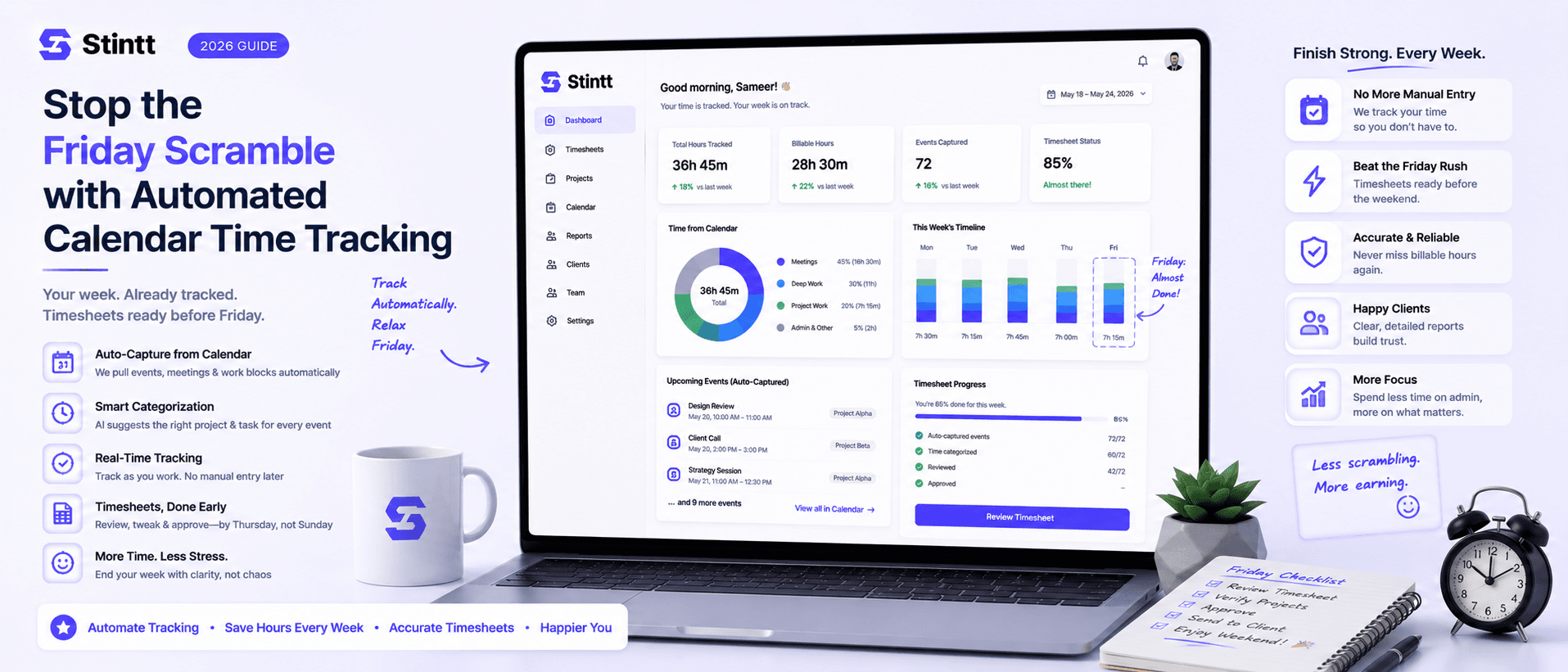
Stop the Friday Scramble with Automated Calendar Time Tracking
Automated calendar time tracking takes the events already sitting in your team's Google Calendars and turns them into drafted timesheet entries each person reviews and approves. Nobody reconstructs a week from memory at 4pm on Friday, and you stop spending Monday chasing the people who never submitted. Here's what the Friday scramble really costs, how calendar-based tracking closes the loop through to invoices, and where it's the wrong fit.
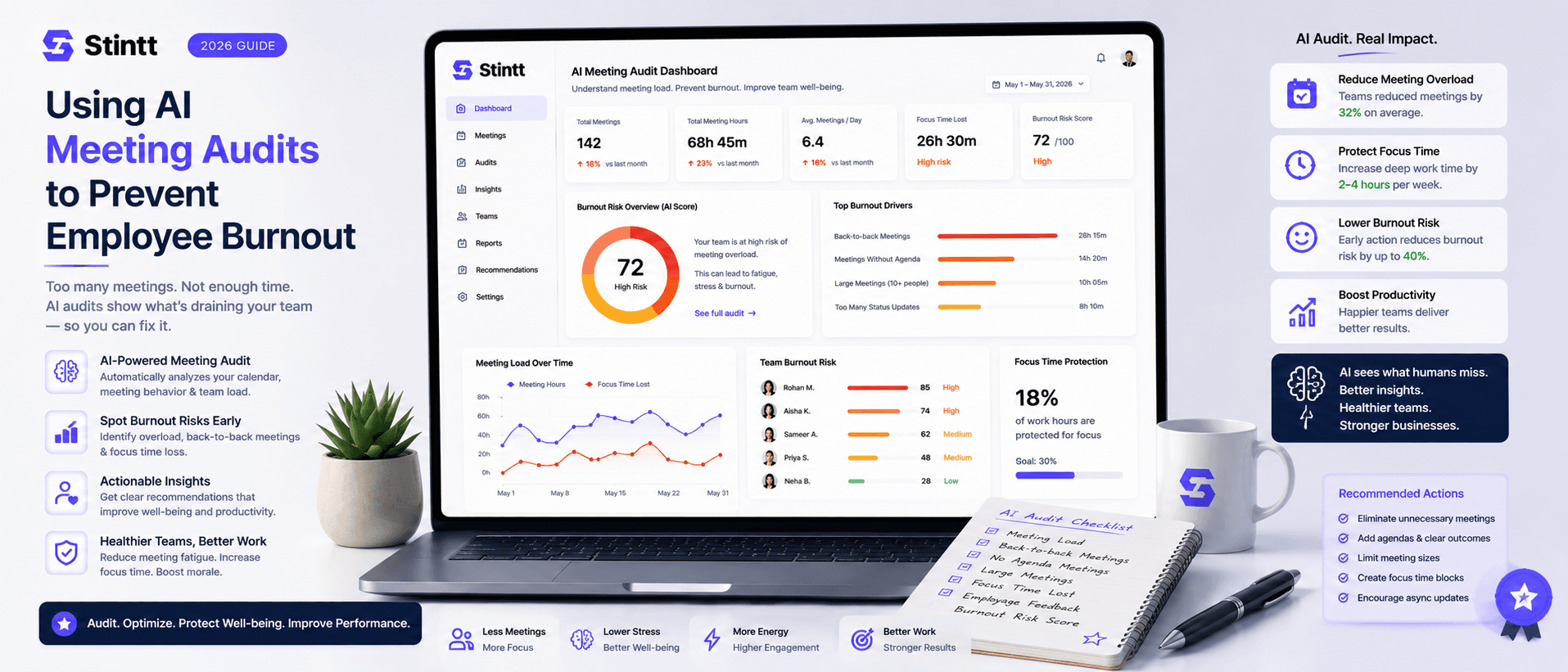
Using AI Meeting Audits to Prevent Employee Burnout
The average professional spends nearly 13 hours a week in meetings — about 84 working days a year — and constant context-switching quietly drains 20% of their mental capacity. At some point a packed calendar stops being busy and starts being a burnout risk. An AI meeting audit reads the calendar your team already keeps and gives you an honest split of meeting load versus focus time, early enough to rebalance workloads before people quit. Here's how it works, the frameworks that make meetings earn their place, and how to gather the insight without tipping into surveillance.