

When Your Hours Live in 5 Tools: Unifying the Multi-Source Mess
Calendar, Jira, Zoom, Teams, Asana — your work is already tracked. The problem is it is tracked five different times in five different places.
When Your Hours Live in 5 Tools: Unifying the Multi-Source Mess
A typical week of knowledge work spans five or more tools. Your calendar handles meetings. Jira handles tickets. Zoom handles client calls. Teams handles internal chats that turn into 40-minute conversations. Asana or ClickUp tracks deliverables.
Each tool has a partial view. Your timesheet wants the whole view.
The result is the most universal piece of unpaid labor in modern work: copy-pasting hours between systems on Friday afternoon.
Why "just use one tool" never works
Every tool you mentioned exists because it is genuinely the best at one thing. Your team did not choose them by accident. Replacing all of them with a single time tracker has been tried for two decades — it does not stick because the specialized tools are too good at their core jobs.
The right answer is not consolidation. It is integration.
What Stintt pulls from
- Google Calendar / Outlook / iCal — meetings, focus blocks, all-day events
- Microsoft Teams / Zoom — actual call durations, attendance
- Jira — ticket activity, comments, status changes
- Asana / ClickUp / Monday.com — task completions and time logs
- Toggl — for teams that already use timers and just need export
What this fixes in practice
- The Friday copy-paste ritual disappears
- Hours stop double-counting between systems
- You stop missing the call that was on Zoom but never added to your calendar
- Project allocation reports actually reflect reality
What other timesheet tools miss
Most "unified" tools support exactly one or two sources well, then ask you to import CSVs for the rest. We treat every connector as a first-class citizen because that is how your week actually looks.
The principle behind the integrations
Anywhere your work gets recorded, we want to read it. Anywhere your work has to be reported, we want to write it. The middle is our job — your job is the actual work.
See the full source list → — free tier covers calendar; Pro adds the rest.
- See how Stintt builds automatic timesheets from Google Calendar
- Set up the Google Calendar timesheet integration
- Try the free timesheet calculator
- Compare plans on Stintt pricing
Related articles

Free Timesheet Templates for Freelancers 2026
Download free timesheet templates designed for freelancers in 2026. Excel, Google Sheets, and auto-generated options — plus a smarter alternative that fills itself.
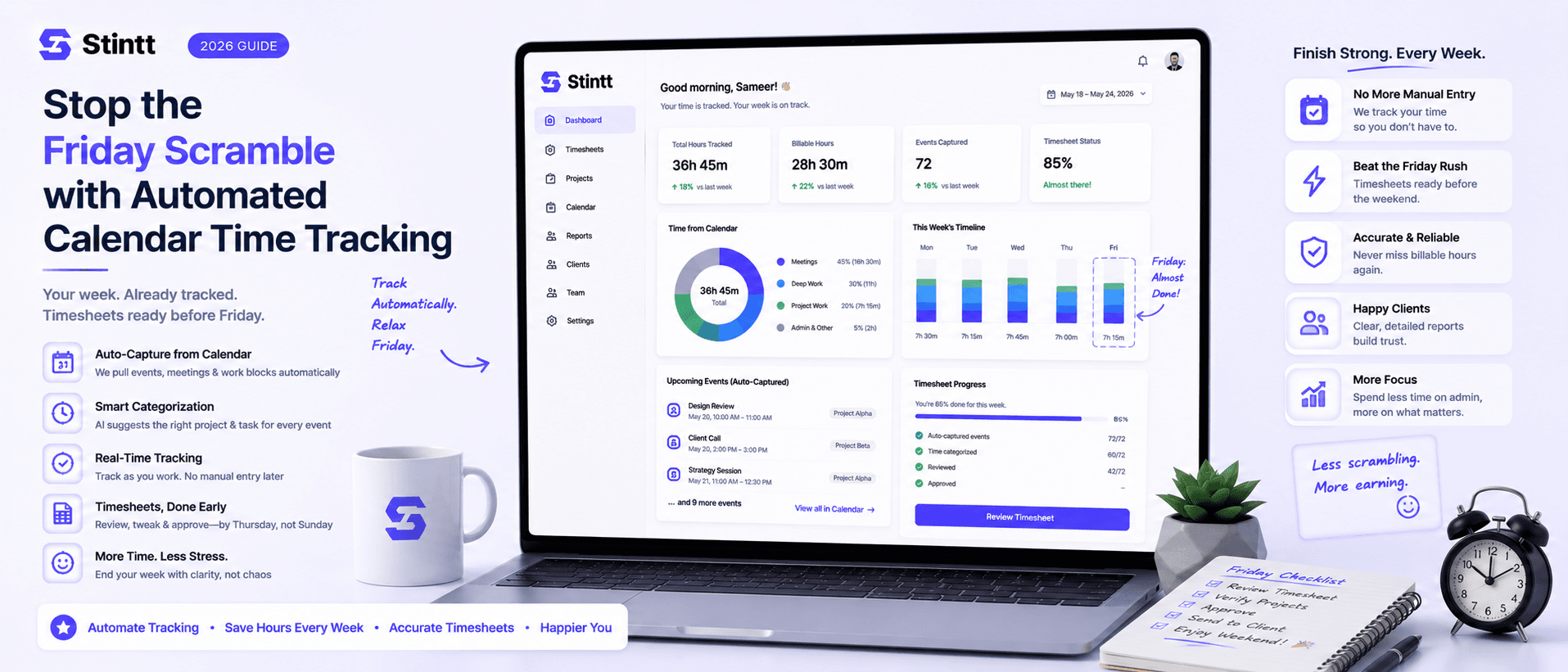
Stop the Friday Scramble with Automated Calendar Time Tracking
Automated calendar time tracking takes the events already sitting in your team's Google Calendars and turns them into drafted timesheet entries each person reviews and approves. Nobody reconstructs a week from memory at 4pm on Friday, and you stop spending Monday chasing the people who never submitted. Here's what the Friday scramble really costs, how calendar-based tracking closes the loop through to invoices, and where it's the wrong fit.
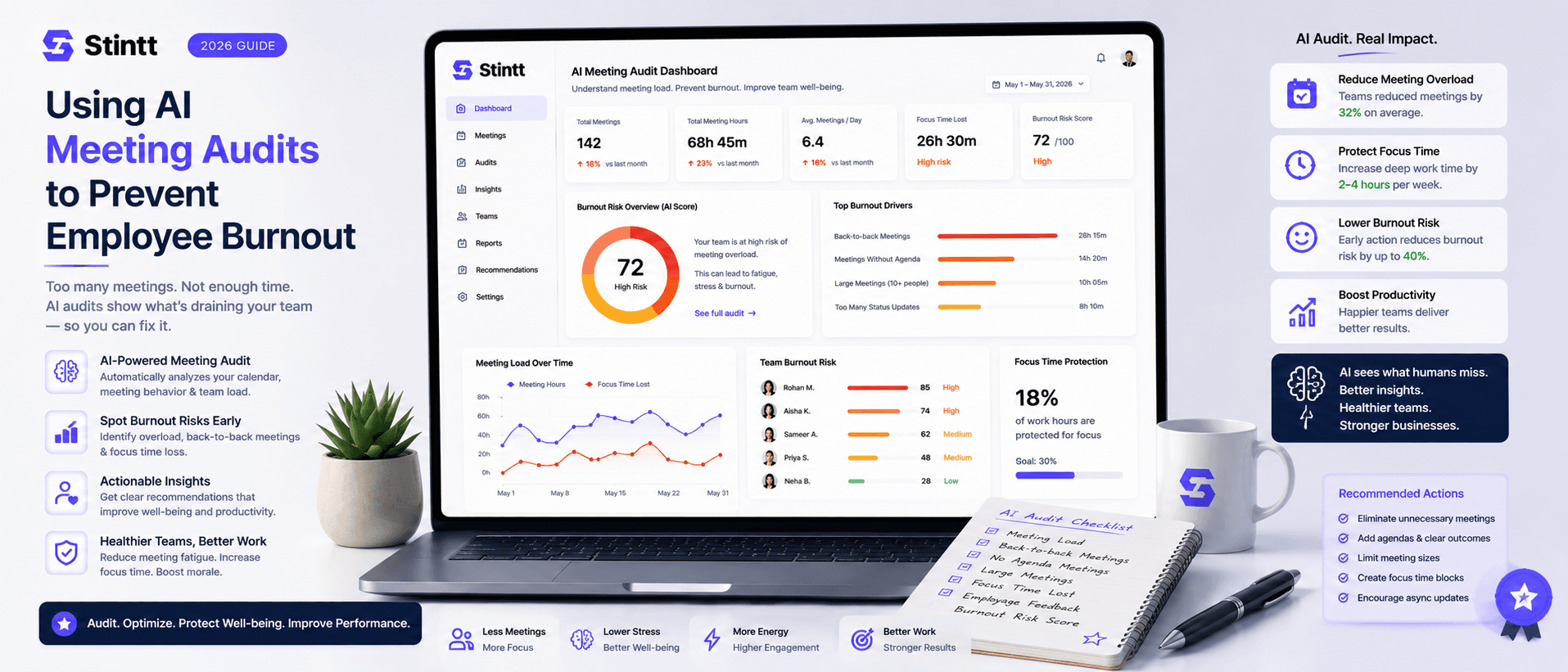
Using AI Meeting Audits to Prevent Employee Burnout
The average professional spends nearly 13 hours a week in meetings — about 84 working days a year — and constant context-switching quietly drains 20% of their mental capacity. At some point a packed calendar stops being busy and starts being a burnout risk. An AI meeting audit reads the calendar your team already keeps and gives you an honest split of meeting load versus focus time, early enough to rebalance workloads before people quit. Here's how it works, the frameworks that make meetings earn their place, and how to gather the insight without tipping into surveillance.