

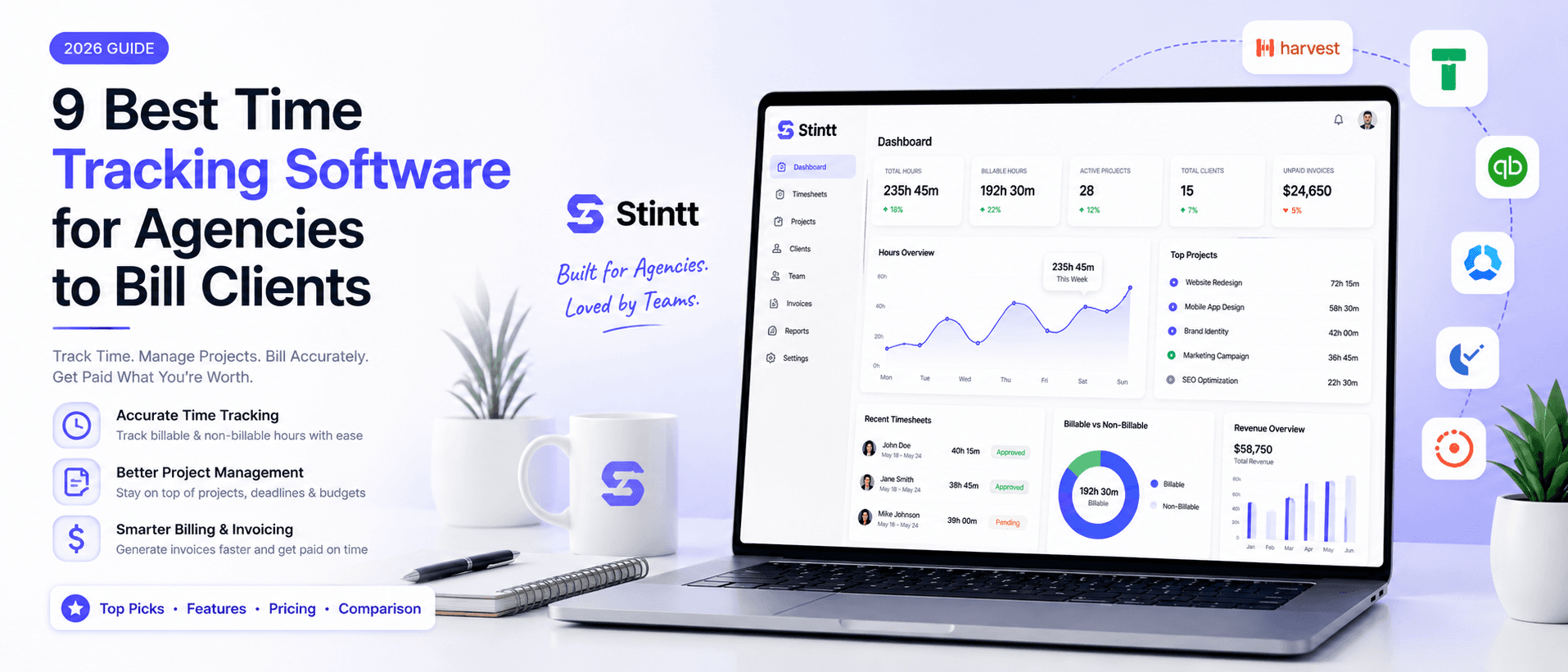
9 Best Time Tracking Software for Agencies to Bill Clients
The right agency time tracker is the one that moves real hours onto a paid invoice with the fewest steps in between. This honest comparison ranks 9 tools by how much of the capture-to-invoice chain they actually run — with verified July 2026 pricing and one real limitation each. Find the fit for how your team already works.
9 Best Time Tracking Software for Agencies to Bill Clients
The best time tracking software for agencies is the one that moves real hours onto a paid invoice with the fewest human steps in between. For most small Google Workspace agencies that's Stintt, because it drafts timesheets from calendars your team already keeps. Want budget alarms and a proven invoicing flow? Pick Harvest. And if your team simply refuses to track, start with whatever they'll actually press a button in — usually Toggl.
Full disclosure up front: Stintt is our product, and it sits at #1 here. We've tried to earn that spot the honest way, with verified July 2026 pricing for every tool, one real limitation per entry, and clear pointers to the tools that fit you better than we do.
Rank tools by the billing chain, not the feature list
Every billable hour travels the same path: someone captures it, attributes it to a client, signs off on it, and turns it into an invoice. Most tools automate one link of that chain and leave the rest to you.
The gaps are expensive in a countable way. Run an eight-person agency billing $120/hour, and say each person forgets one 30-minute client call a week. That's 4 unbilled hours a week, $480, which over 48 weeks is roughly $23,000 a year. Not from bad work — from bad capture. And that's before the admin time of filling timesheets at all, which we broke down in what 26 hours a year of timesheeting actually costs you.
So for each tool below, ask one question: how much of the capture-to-invoice chain does it actually run for me?
The nine tools at a glance
| Tool | Tracking model | Billing path | Starting price (Jul 2026) | Best for |
|---|---|---|---|---|
| Stintt | Calendar drafts + approval | Invoice from approved hours | Free plan; trials, no card | Google Workspace agencies, 5–25 people |
| Harvest | Manual timers | Built-in invoicing, QuickBooks/Xero sync | Free (1 seat); Teams ~$9–11/seat/mo | Teams managing by project budget |
| Toggl Track | Manual timers | Basic invoicing all plans; approvals on Premium | Free; $9/user/mo | Teams needing dead-simple adoption |
| FreshBooks | Timer inside accounting suite | Native invoices + payment reminders | $23/mo list (Lite, 5 clients) | Tiny shops wanting books + billing in one |
| TimeCamp | Background activity tracking | Invoicing from Starter tier | Free; $3.99/user/mo annual | Cost-sensitive teams okay with monitoring |
| Teamwork.com | Timers on PM tasks | Invoices from logged time (Accelerate) | Free (5 users); $9.99/user/mo; $24.99 for invoicing | Agencies already in Teamwork |
| Scoro | Time inside an agency OS | Quote to project to invoice, one system | $19.90/user/mo, 5-seat min | 20+ person firms consolidating tools |
| FunctionFox | Stopwatch timesheets | Estimate and retainer tracking | $10.50/user/mo annual, 3-user min | Creative studios billing against estimates |
| Zoho Invoice | Timer inside invoicing tool | Free invoices, quotes, reminders | Free | Freelancers and 2–3 person shops |
1. Stintt: invoices built from approved calendar hours

Stintt runs more of the billing chain than anything else here, which is why we built it. Connect Google Calendar with read-only access (the calendar.readonly scope, so it can't edit or delete anything), and Stintt drafts timesheet entries from your events — reaching back up to 18 months if you want history. AI categorizes each entry as meetings, focus work, admin, breaks, or time off, and project rules or #tags in event titles attribute work to the right client. Work that never touches a calendar still gets in: drop a standup note in chat and it lands as a drafted entry.
The step most trackers skip is the one clients care about: approval. Nothing is billed as-is. Each person reviews their drafts, managers approve or discard (with auto-approve once the drafts earn trust), and the invoice generates directly from approved hours — PDF export, GST-compliant template included. Billing lives in your accounting stack instead? Export approved hours as Excel (one tab per person), CSV, or PDF.
No screenshots, no keystroke logging, no GPS anywhere — which matters the day you ask a senior designer to adopt a tracker. Details on our security page.
Pricing: free plan, no card (one calendar, 7 days of events per export, 50 AI-categorized events/month), plus Pro and Workspace tiers with 7- and 14-day trials on the pricing page. Workspace adds team utilization, capacity, and meeting-cost insights.
The honest limitation: it reads your calendar and connected work tools (Google Calendar, Microsoft Teams, Jira, ClickUp), not Outlook, and there's no punch clock or GPS. If your billable work happens on job sites rather than in calendars and chat, a field-service clock-in tool will serve you better than we can.
2. Harvest: budget alarms and a proven invoicing flow
Harvest has been the default agency answer for over a decade, and its core loop still holds: track time against a budget, watch actuals against estimates in real time, then generate the invoice from logged hours. Accounting integrations push those invoices into QuickBooks or Xero without re-entry. The entry point is friendly — a genuinely free plan (1 seat, 2 projects, invoicing included) and a Teams plan around $9–11/seat/month.
The honest limitation: capture is manual — timers only record what people remember to start — and timesheet approval, the thing that protects invoices from disputes, is gated to Enterprise.
Pick Harvest if project budgets are your management language and your team already has the timer habit.
3. Toggl Track: the timer people will actually press
Toggl Track wins on adoption. One button, a clean timeline, apps that behave identically on desktop and mobile. If your last rollout died because the tool annoyed people, Toggl is the least annoying timer going, and the free plan covers small teams. Every plan can generate a basic PDF invoice; Starter ($9/user/month) adds billable rates and revenue reporting, and Premium ($18/user/month, or $14 for the first year) adds profitability analysis plus the one genuinely gated feature — timesheet approvals.
The honest limitation: it's still a timer, so accuracy depends on human discipline, and discipline fades by Thursday. We wrote about that in why timer-based trackers make you the employee of your software. Budget real time for chasing missing entries at month end.
Pick Toggl if simplicity decides adoption and you're fine handling approvals and invoicing elsewhere once billing gets non-trivial.
4. FreshBooks: billing-first for very small teams
FreshBooks comes at it from the opposite direction — accounting software with time tracking included, not a tracker with invoicing bolted on. Hours link to billable projects, invoices go out branded, and automated reminders chase late payers. Time tracking is on every plan. List pricing starts at $23/month for Lite (5 billable clients); Plus at $43/month raises that to 50. There's almost always a steep first-months promo, so the sticker rarely applies day one.
The honest limitation: the client caps are the tell. FreshBooks fits a freelancer or two-to-five-person shop with a few retainers, and its tracking is basic timer-and-manual entry. Agencies with many small clients outgrow Lite fast.
5. TimeCamp: cheap automation with a monitoring trade-off
TimeCamp automates capture differently: a desktop agent records which apps and sites each person uses and builds entries from that activity — no timers to forget. It's also the cheapest paid automation here: free plan, invoicing from Starter ($3.99/user/month annual), and app-and-website tracking plus QuickBooks/Xero export on Premium ($6.99).
The honest limitation: background activity tracking is monitoring, however politely configured, and experienced staff push back hard. Before buying accuracy by watching screens, it's worth asking whether reading calendars gets you most of the accuracy with none of the trust cost. We're biased on that fork — but the fork is real.
Pick TimeCamp if budget rules everything and your team has genuinely consented to activity tracking.
6. Teamwork.com: billing inside your project management
If delivery already lives in Teamwork.com, logging time on the task keeps hours attached to their context — which makes invoices easier to defend when a client questions a line item. Time logging is included from the free plan (5 users, 5 projects) up. Watch the gates, though: Basics ($9.99/user/month yearly) gets you time tracking on tasks, but building client invoices from that time needs Accelerate ($24.99/user/month yearly). For a 10-person team that's roughly $100/month versus $250 — so the math only works if you're using the whole PM suite.
The honest limitation: you're buying a project management platform to get billing. As a pure time-and-billing purchase, this is the priciest route here.
7. Scoro: the all-in-one for larger agencies
Scoro is the consolidation play: quotes, project plans, time, invoices, and financial reporting in one system, so the estimate you quoted is the same object you bill against. For a 20-plus firm juggling five disconnected tools, that single thread from quote to invoice is the pitch. It's priced like the operations platform it is — Core from $19.90/user/month (5-seat minimum), with the features agencies actually buy it for (project budgets, revenue forecasting) on Growth and Performance, roughly $33–50/user/month.
The honest limitation: implementation is a project, not an afternoon. Below about 15 people you'd be paying consolidation prices to solve a sprawl problem you don't have yet.
8. FunctionFox: a creative-studio specialist
FunctionFox has spent two decades doing one job for design shops and in-house creative teams: timesheets with a stopwatch timer, tracked against estimates and retainers, with reporting that shows where the hours pile up. Classic runs $10.50/user/month annual (3-user minimum).
The honest limitation: it's a niche tool that feels dated next to the rest of this list, and capture is still manual. Its real value is keeping actuals honest against estimates; the invoicing mostly happens elsewhere.
Pick FunctionFox if you run a creative studio on estimates and retainers and value purpose-built reporting over polish.
9. Zoho Invoice: free billing for the smallest shops
Zoho Invoice is genuinely free: invoices, quote-to-invoice conversion, automated reminders, expense tracking, a client portal, and basic time tracking, all at $0. For a freelancer or 2–3 person shop that's a complete billing stack for nothing, with a path into Zoho Books when you need full accounting.
The honest limitation: the time tracking is invoicing-tool grade — manual entries, per-project timers, no team capacity view, no approval flow, and nothing that catches the hours nobody logged. It bills the hours you hand it and can't help with the ones you lost, which is exactly where underbilling quietly compounds. Only need the occasional invoice with no subscription? A free invoice generator covers that.
How to choose the best time tracking software for agencies

Four questions settle this faster than any feature matrix.
- Where does your work already leave a trace? Google Calendar and chat → calendar-based capture is nearly free; we compared the two in calendar-based vs manual time tracking. PM tasks → Teamwork or Scoro keeps the context. Nowhere → you need a timer plus real team buy-in.
- Who approves hours before a client sees them? If an invoice can be disputed, you want an explicit approval step between capture and billing — and more than one tool here gates it behind the top plan.
- What's the real monthly bill? Multiply seats by the tier with the features you actually need, not the entry tier. A 10-person team pays $90/month on Toggl Starter and about $500/month on Scoro Performance. Both can be right — they solve different problems.
- What will your best people tolerate? Timers demand daily discipline; activity tracking demands real consent. Calendar-based tools just need the calendar hygiene most agencies already have.
Where to start
If your agency runs on Google Workspace and bills by the hour, the shortest path to accurate invoices is the calendar your team already maintains. Try Stintt free — connect a calendar, watch a week of timesheets draft themselves, approve what's right, and send an invoice built from hours you can defend. No timers to forget.
- See how Stintt builds automatic timesheets from Google Calendar
- Set up the Google Calendar timesheet integration
- Try the free timesheet calculator
- Compare plans on Stintt pricing
Related articles

Free Timesheet Templates for Freelancers 2026
Download free timesheet templates designed for freelancers in 2026. Excel, Google Sheets, and auto-generated options — plus a smarter alternative that fills itself.
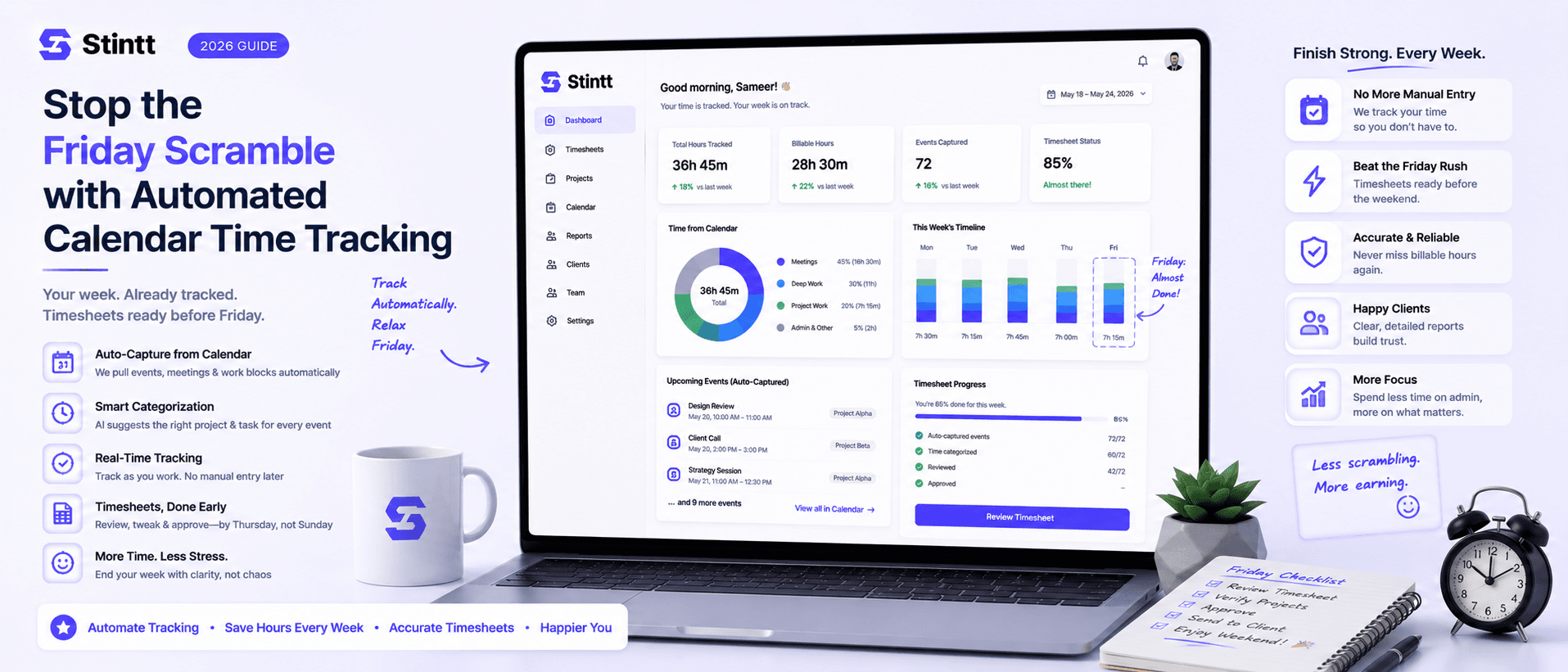
Stop the Friday Scramble with Automated Calendar Time Tracking
Automated calendar time tracking takes the events already sitting in your team's Google Calendars and turns them into drafted timesheet entries each person reviews and approves. Nobody reconstructs a week from memory at 4pm on Friday, and you stop spending Monday chasing the people who never submitted. Here's what the Friday scramble really costs, how calendar-based tracking closes the loop through to invoices, and where it's the wrong fit.
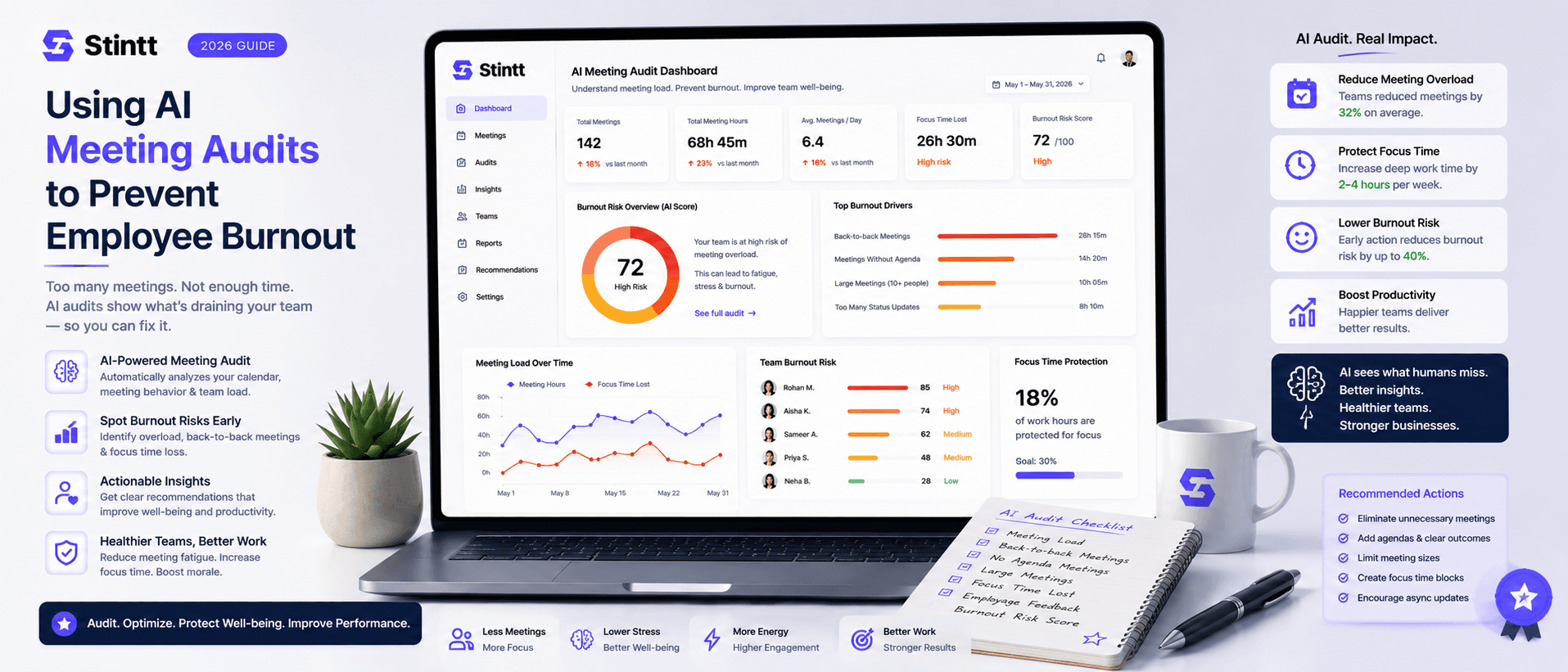
Using AI Meeting Audits to Prevent Employee Burnout
The average professional spends nearly 13 hours a week in meetings — about 84 working days a year — and constant context-switching quietly drains 20% of their mental capacity. At some point a packed calendar stops being busy and starts being a burnout risk. An AI meeting audit reads the calendar your team already keeps and gives you an honest split of meeting load versus focus time, early enough to rebalance workloads before people quit. Here's how it works, the frameworks that make meetings earn their place, and how to gather the insight without tipping into surveillance.