

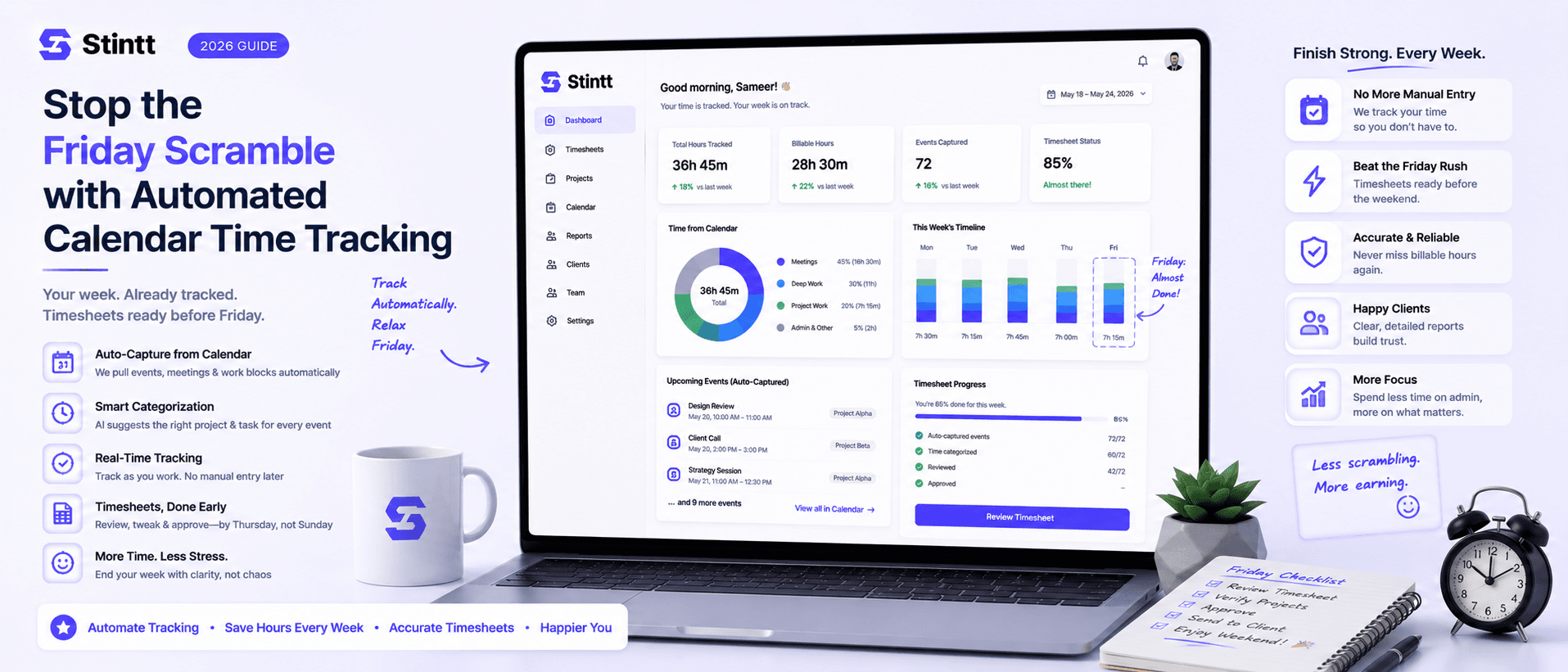
Stop the Friday Scramble with Automated Calendar Time Tracking
Automated calendar time tracking takes the events already sitting in your team's Google Calendars and turns them into drafted timesheet entries each person reviews and approves. Nobody reconstructs a week from memory at 4pm on Friday, and you stop spending Monday chasing the people who never submitted. Here's what the Friday scramble really costs, how calendar-based tracking closes the loop through to invoices, and where it's the wrong fit.
Stop the Friday Scramble with Automated Calendar Time Tracking
Automated calendar time tracking takes the events already sitting in your team's Google Calendars and turns them into drafted timesheet entries that each person reviews and approves. Nobody reconstructs a week from memory at 4pm on Friday, and you stop spending Monday chasing the two people who never submitted.
This piece is written for the person doing the chasing. If you run a small agency or consultancy where the week lives in Google Calendar, the record you keep begging your team to produce already exists. It just needs to be drafted into a timesheet instead of retyped into one.
What the Friday scramble actually costs
Start with arithmetic you can redo for your own team. Six people spending 20 minutes each reconstructing their week is two hours. Add the 40 minutes you spend chasing late submissions and querying entries that don't add up, and you're near three hours a week. Call it 12 hours a month, about 140 a year. At a $100 blended rate, that's $14,000 of admin drag before you count a single billing error.
The accuracy cost is bigger and harder to see. A timesheet written on Friday describes Monday through fog. People remember the big meetings and forget the 20-minute scope call, the second revision round, the client email thread that ate half an afternoon. Those slivers get rounded down or dropped, and they're almost always billable. We broke down what that forgetting does to your invoices in the memory tax: what forgetting costs your timesheet.
There's a morale cost too, and it lands on you. You become the person enforcing a ritual everyone resents, to produce data you already suspect is fiction. We've written about what that hour feels like from the individual side in Friday afternoons were never meant for timesheets; this article is about fixing it for the whole team at once.
How automated calendar time tracking works

The mechanics fit in four steps. I'll use Stintt as the example because it's what we build, but the shape applies to any calendar-based tracker worth considering.
Connect calendars read-only. Stintt asks Google for the calendar.readonly permission, which means it can see events but can't edit or delete anything. It syncs up to 18 months of history, so the first drafted timesheet can cover weeks nobody ever logged.
Events become drafted entries. AI categorizes each one as a meeting, focus work, admin, a break, or time off, and assigns it to a client or project using project rules or #tags in event titles. An event called "Acme sprint review #acme" lands on the Acme retainer without anyone touching it.
Off-calendar work arrives by chat. Not everything is an event. A quick standup note in chat, "2h fixing the checkout bug," becomes a drafted entry alongside the calendar ones.
A human approves everything. This is the step vendors gloss over and the one that matters most. Drafts are drafts. Each person skims their week, fixes what the AI got wrong, and approves. Managers approve or discard entries, with an auto-approve option for people whose drafts have earned it. Nothing reaches an invoice until someone said it's right.
In practice: your designer's week holds 14 events across three clients. Friday afternoon she opens her drafted timesheet, recategorizes one working lunch the AI read as a break, and approves. Four minutes. The scramble becomes a skim.
Worth being honest about: this is not zero-touch, on purpose. A tool promising timesheets with no human input is promising unreviewed data on a client invoice, and that should worry you more than the Friday scramble does.
Why Google Calendar can't do this alone
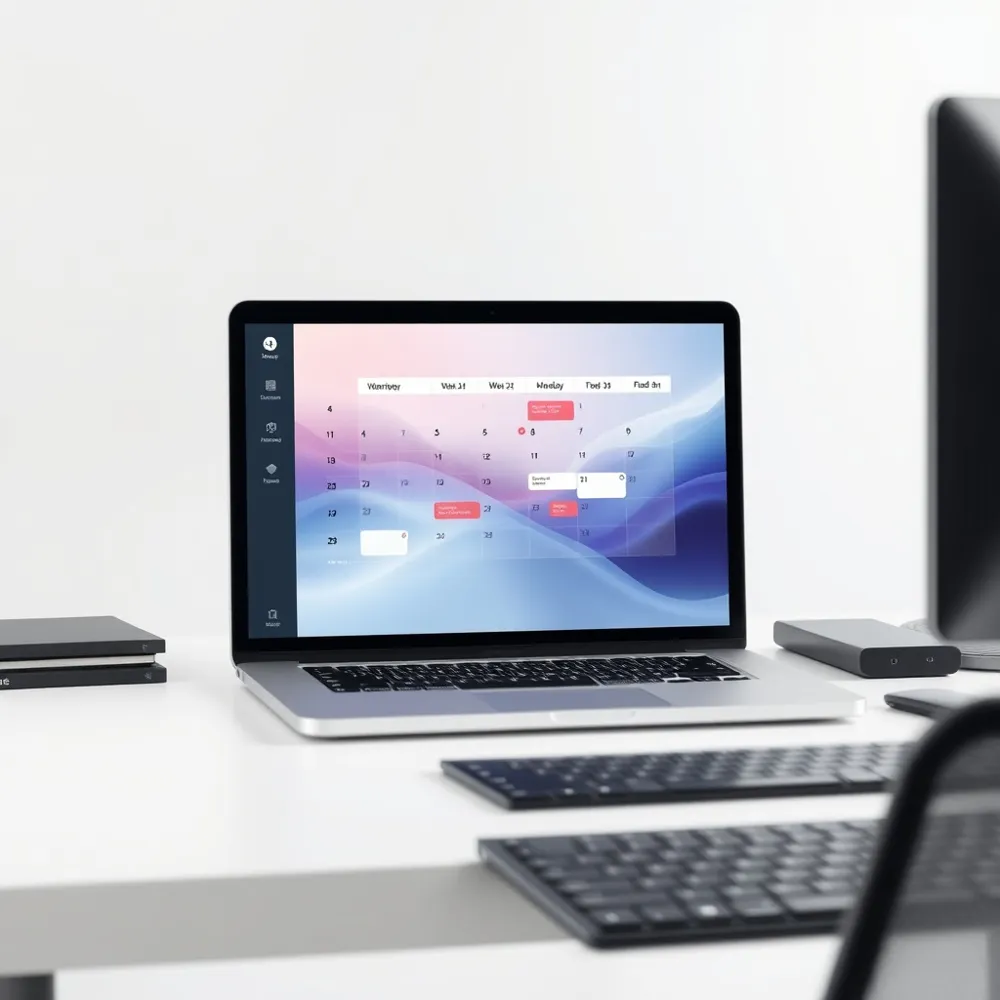
Google Calendar keeps a faithful record of the week and gives you no way to total it. There's no built-in report for hours by client, no timesheet export, no categorization. Teams bridge that gap three ways.
Copy events into Sheets. Manual and error-prone. You've relocated the Friday scramble into a spreadsheet rather than ended it.
Write an Apps Script. Google publishes a calendar-to-timesheet automation sample that pulls events into a sheet, and for one technical freelancer it genuinely works. The decision rule: a script is fine while the same person writes it and uses it. Once several people need per-person views, approvals, and clean exports, the script turns into unowned infrastructure that breaks quietly when someone renames a calendar or changes how they title events.
Use a dedicated tool. Worth the subscription once more than a couple of people bill time and someone has to approve it.
What happens after approval: exports and invoices
The scramble was never only about logging. You chase timesheets on Friday because something downstream needs them, usually an invoice or a report for the client. So the loop has to close all the way:
- Submission reminders nudge people at the end of the day, so the chasing stops being your job.
- Approved hours export to Excel (one tab per person), CSV, or PDF, with templates including billing-style layouts, custom columns, and your date format. The file matches what your bookkeeper or client portal expects.
- Invoices generate directly from approved hours, with PDF export and a GST-compliant template. Every line on the invoice traces back to an entry a human approved, which is exactly the paper trail you want when a client disputes one.
One more thing to check with any tracker you evaluate: how it treats your team. Calendar-based tracking reads data your people already produce. No screenshots. No keystroke logging or GPS. When your team asks what the tool can see, and they should ask, the answer decides whether they adopt it or quietly sabotage it. We published exactly how we handle calendar privacy and keep the details on our security page.
Where calendar-based tracking is the wrong fit
I'd rather you pick the right category of tool than pick us and churn.
- Field and site crews. If you need clock-in/clock-out or location verification, calendar tools don't do that, Stintt included. Get a dedicated clock-in app.
- Work that never touches the calendar. A support engineer clearing a ticket queue has one calendar event and forty tasks a day. Timer-based or ticket-integrated tracking fits better there. Calendar-based tracking only works if chat standups fill the gap, and you should be honest about whether your team will keep that habit.
- Outlook and Microsoft 365 shops. Stintt is built for Google Workspace. If your calendars live in Outlook, choose a tool native to that ecosystem.
A rollout that takes one week
- Set two calendar habits. Real event titles and a #client tag. Ten seconds per event, and it's the entire data-entry burden of this system. If your team's calendars are aspirational today, this week fixes that too, because people keep calendars current once the calendar writes their timesheet.
- Connect calendars read-only. The step-by-step walkthrough is in how to auto-fill your timesheet from Google Calendar.
- Pilot one week with full review. Everyone skims and approves their drafts on Friday. Expect a few miscategorized entries early while you tune your project rules, and expect review to take minutes, not an hour.
- Loosen deliberately. Reminders on for everyone. Auto-approve for the people whose drafts have been consistently right.
- Point the output somewhere. Export approved hours for your bookkeeper, or invoice straight from them, then retire the spreadsheet.
- See how Stintt builds automatic timesheets from Google Calendar
- Set up the Google Calendar timesheet integration
- Try the free timesheet calculator
- Compare plans on Stintt pricing
Related articles

Free Timesheet Templates for Freelancers 2026
Download free timesheet templates designed for freelancers in 2026. Excel, Google Sheets, and auto-generated options — plus a smarter alternative that fills itself.
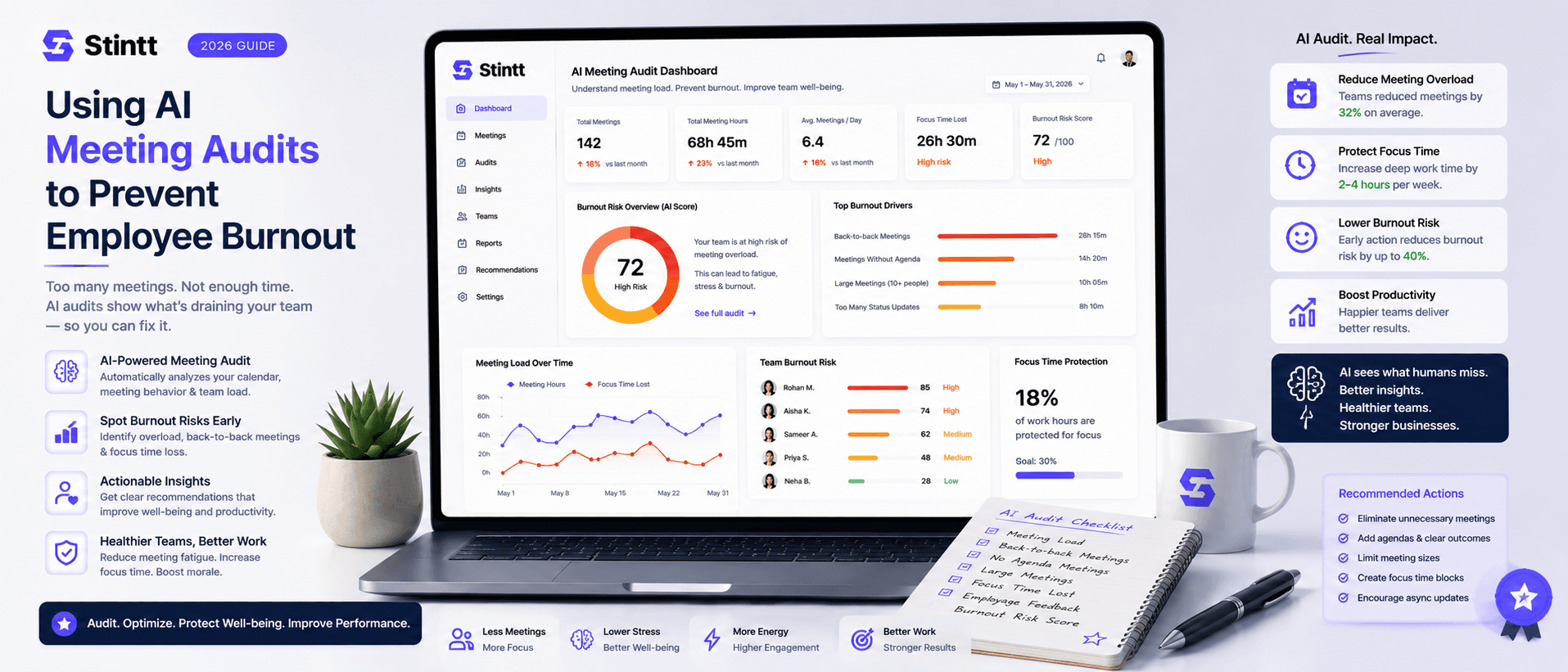
Using AI Meeting Audits to Prevent Employee Burnout
The average professional spends nearly 13 hours a week in meetings — about 84 working days a year — and constant context-switching quietly drains 20% of their mental capacity. At some point a packed calendar stops being busy and starts being a burnout risk. An AI meeting audit reads the calendar your team already keeps and gives you an honest split of meeting load versus focus time, early enough to rebalance workloads before people quit. Here's how it works, the frameworks that make meetings earn their place, and how to gather the insight without tipping into surveillance.
How to Track Work Hours Accurately (Without Forgetting)
Inaccurate time tracking leaks hours you actually worked. Here are practical strategies and tools to capture every one of them without constant manual logging.