


Free Timesheet Templates for Freelancers 2026
Download free timesheet templates designed for freelancers in 2026. Excel, Google Sheets, and auto-generated options — plus a smarter alternative that fills itself.
Free Timesheet Templates for Freelancers (2026)
If you are a freelancer, your timesheet is not just paperwork — it is your paycheck. Every missed hour is money left on the table. Every rounding error is profit leaking out of your business.
Yet most freelancers still track time with a blank spreadsheet or, worse, sticky notes.
Here are the best free timesheet templates for freelancers in 2026 — plus a modern alternative that eliminates templates altogether.
Why Freelancers Need Dedicated Timesheet Templates
Generic corporate timesheets do not work for freelancers. You need:
- Multiple client columns — not one employer
- Billable vs. non-billable tracking — distinguish client work from admin
- Rate calculations — different clients, different hourly rates
- Invoice-ready totals — export directly to your invoicing tool
- Weekly and monthly views — depending on your billing cycle
Template 1: Simple Weekly Timesheet
Best for freelancers with 1-3 clients and straightforward billing.
| Day | Client | Task/Activity | Start | End | Hours | Rate | Total |
|---|---|---|---|---|---|---|---|
| Mon | Acme Co | Website redesign | 9:00 | 12:00 | 3.0 | $75 | $225 |
| Mon | — | Admin / invoicing | 13:00 | 14:00 | 1.0 | — | — |
Template 2: Multi-Client Monthly Timesheet
Best for freelancers juggling 4+ clients with different billing cycles.
Features:
- Separate tabs per client
- Monthly summary dashboard
- Rate multipliers for overtime/weekend work
- Running total for each client
Template 3: Project-Based Timesheet
Best for project-based billing (fixed price with hour tracking for internal purposes).
Features:
- Group entries by project, not date
- Budget vs. actual hours comparison
- Completion percentage tracking
- Notes column for deliverables
Template 4: Client Billing Summary
Best for generating client-facing time reports alongside invoices.
Features:
- Clean, professional layout
- Grouped by project phase
- Subtotals per task category
- Export-ready for PDF invoicing
The Problem with All Templates
Here is the truth: templates do not solve the real problem.
Every template still requires you to:
- Remember what you worked on (good luck recalling last Tuesday)
- Manually type each entry row by row
- Calculate hours and totals (even with formulas, you enter the data)
- Update the template every time your workflow changes
The Better Alternative: Auto-Generated Timesheets
What if your timesheet template filled itself from your calendar?
Stintt connects to your Google Calendar — plus Microsoft Teams, Jira and ClickUp — and auto-generates a completed timesheet. No manual entry. No memory gaps. No forgotten hours.
How It Works for Freelancers
- Connect your calendar — Google Calendar or Microsoft Teams
- Set your clients and rates — map calendar events to client projects
- Export to Excel — choose from Standard, Detailed, or Client Billing templates
Why Freelancers Love It
- No more "what did I do Tuesday?" — your calendar already knows
- Accurate to the minute — no rounding, no guessing
- Multiple clients in one view — aggregate events from all your calendars
- Billable hour totals — instantly see how much to invoice each client
- Free plan available — 7-day exports from Google Calendar, no credit card
- Built for the Friday problem — see how to calculate billable hours and the best way to track billable hours as a freelancer
Stintt Templates vs. Static Templates
| Feature | Static Template | Stintt |
|---|---|---|
| Auto-fills from calendar | No | Yes |
| Multi-source (Google, Teams, Jira, ClickUp) | No | Yes |
| AI categorization | No | Yes |
| Custom column mapping | Manual | Built-in |
| Client billing totals | Manual formulas | Automatic |
| Data entry required | Every row | Zero |
| Price | Free | Free (Pro: $9/mo) |
Stop Filling Templates. Start Exporting Timesheets.
Templates are a band-aid. The real solution is eliminating manual data entry entirely.
Try Stintt free — connect your Google Calendar and export your first timesheet in under 60 seconds. Your calendar already has the data. Stop retyping it.
Need a timesheet calculator? Try our free Timesheet Calculator to total hours, overtime, and pay from any time entries.
- See how Stintt builds automatic timesheets from Google Calendar
- Set up the Google Calendar timesheet integration
- Try the free timesheet calculator
- Compare plans on Stintt pricing
Related articles
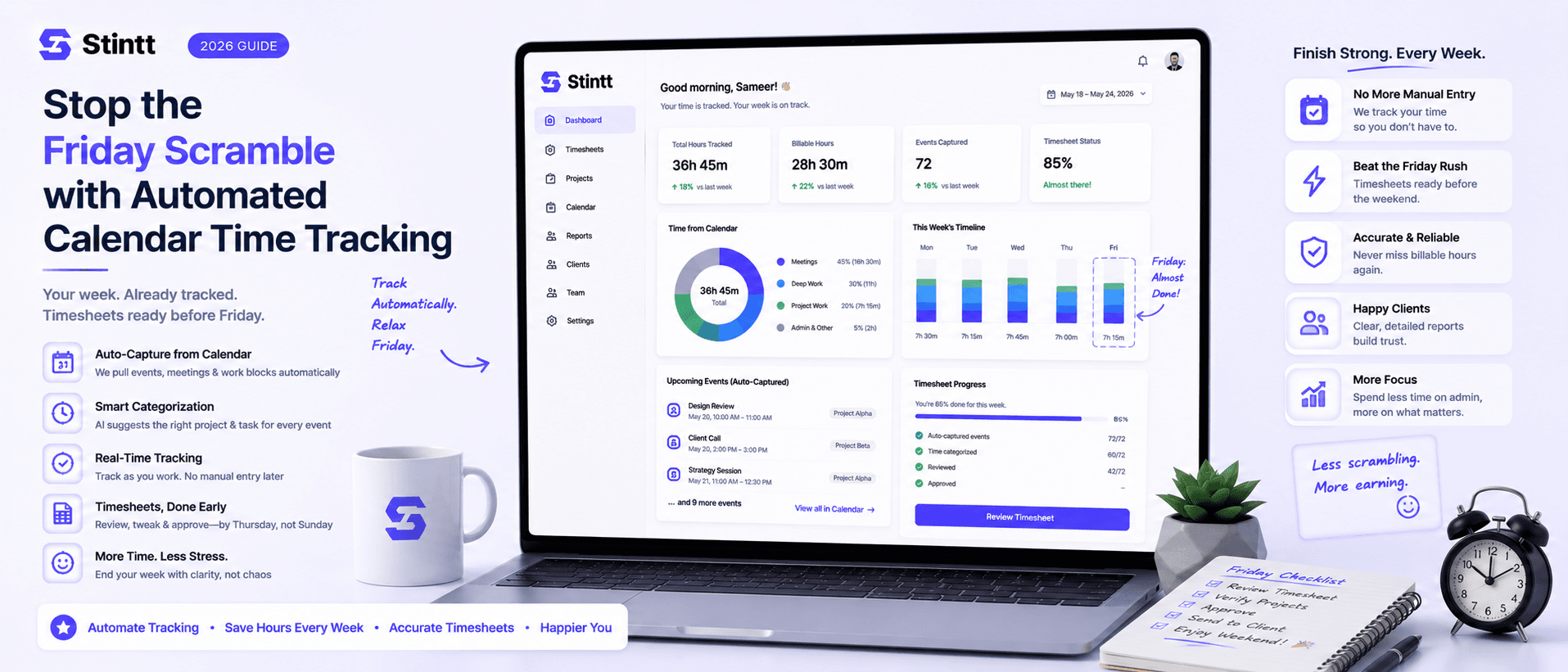
Stop the Friday Scramble with Automated Calendar Time Tracking
Automated calendar time tracking takes the events already sitting in your team's Google Calendars and turns them into drafted timesheet entries each person reviews and approves. Nobody reconstructs a week from memory at 4pm on Friday, and you stop spending Monday chasing the people who never submitted. Here's what the Friday scramble really costs, how calendar-based tracking closes the loop through to invoices, and where it's the wrong fit.
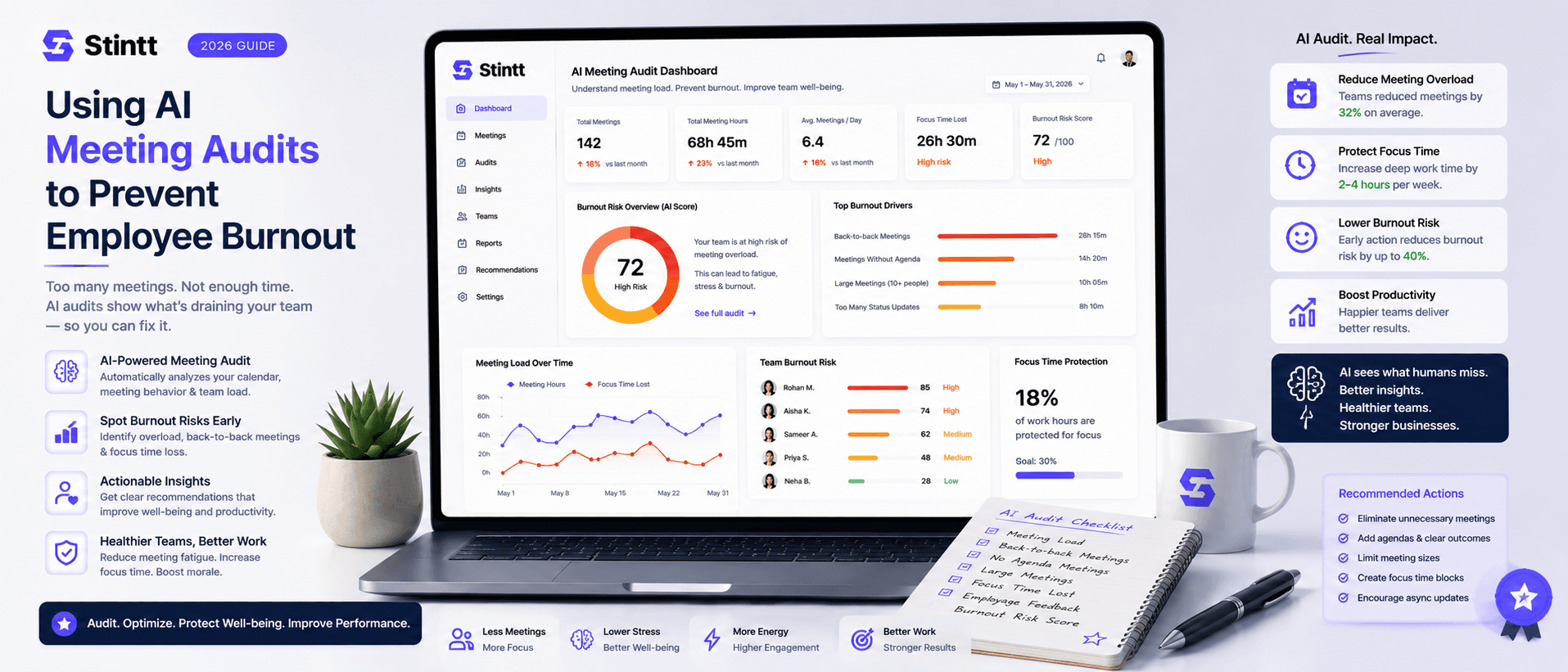
Using AI Meeting Audits to Prevent Employee Burnout
The average professional spends nearly 13 hours a week in meetings — about 84 working days a year — and constant context-switching quietly drains 20% of their mental capacity. At some point a packed calendar stops being busy and starts being a burnout risk. An AI meeting audit reads the calendar your team already keeps and gives you an honest split of meeting load versus focus time, early enough to rebalance workloads before people quit. Here's how it works, the frameworks that make meetings earn their place, and how to gather the insight without tipping into surveillance.
How to Track Work Hours Accurately (Without Forgetting)
Inaccurate time tracking leaks hours you actually worked. Here are practical strategies and tools to capture every one of them without constant manual logging.