

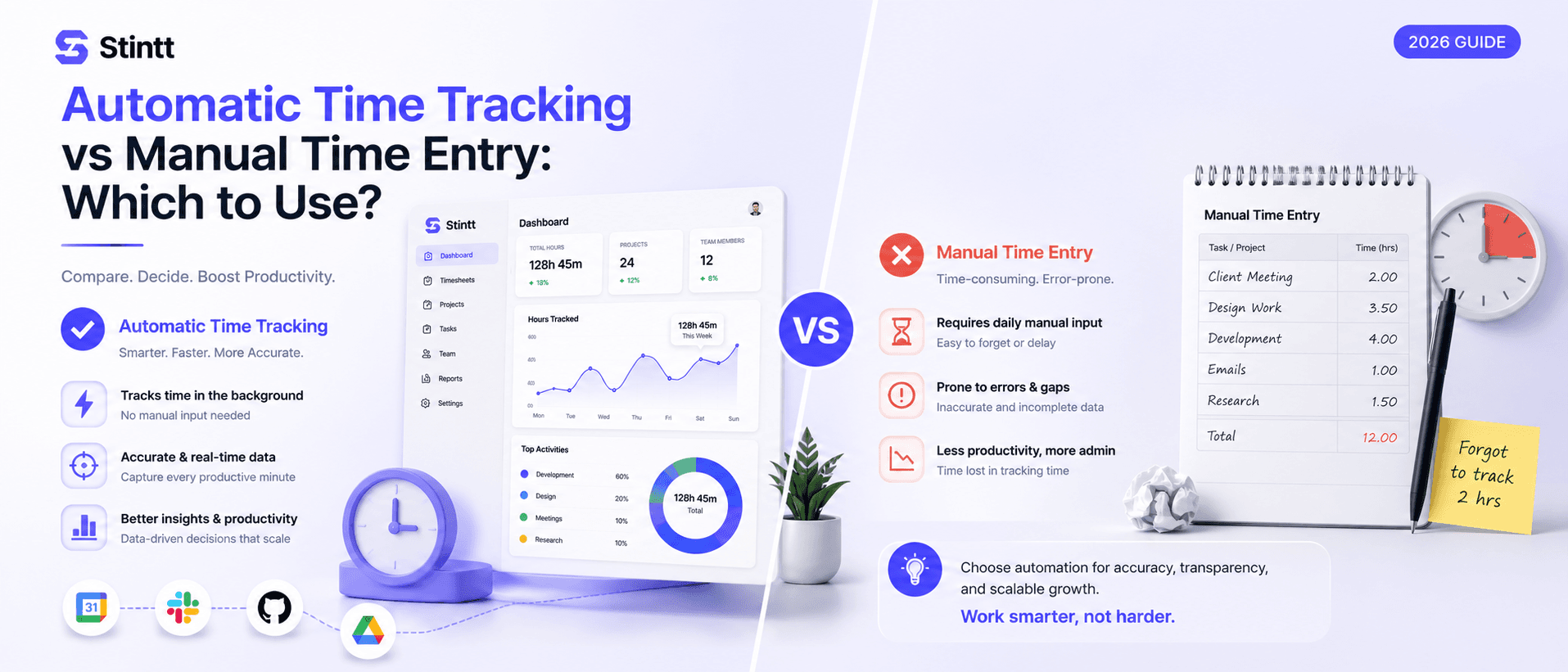
Automatic Time Tracking vs Manual Time Entry: Which to Use
An honest comparison of automatic time tracking vs manual time entry — with a decision tree, real cost math, and clear cases where each one wins.
Automatic Time Tracking vs Manual Time Entry: Which to Use
Short version: if you bill by the hour and your team's day already lives in a calendar, automatic time tracking wins on arithmetic you can redo yourself in two minutes. Manual entry still earns its keep in a few specific situations, and this piece is honest about which ones. It ends with a decision tree, not a sales pitch.
I ran the manual version for years: a shared spreadsheet, a Friday reminder, and the weekly guess at whether a client call ran 30 minutes or 90. What changed my mind wasn't the lost admin time. It was scoping a new project off our own historical numbers and finding out, after we'd already quoted it, that the numbers were wrong.
One clarification before the comparison: "automatic" isn't one product. Some tools run a timer you start and stop yourself, which is automatic in name only (we've covered that failure mode in why timer-based trackers make you the employee of your software). Some install software that watches activity on your screen. Stintt reads your calendar and drafts entries from events already sitting there — no timer, nothing installed. If you want the model-level breakdown, we've written calendar-based vs manual time tracking; this piece stays one level up, comparing automatic software as a category against manual entry.
The comparison at a glance
| Manual entry | Automatic (calendar-based) | |
|---|---|---|
| Who writes the first draft | Your memory | Your calendar |
| Fails when | Days pass before you log it | Work never touches the calendar or a chat note |
| Weekly admin | The Friday scramble | Minutes to review and approve |
| Where the money leaks | Small, forgotten tasks, both directions | Only what never made it onto the calendar |
| Surveillance risk | None | None, if access is read-only |
| Audit trail | Weak: spreadsheet edits are invisible | Strong: drafts plus explicit approvals |
| Best fit | Flat-fee solos, narrative billing | Google Workspace teams billing hourly or by project |
What manual entry actually costs

Here's the gap for one person, one week — not a team-wide formula. Say a consultant's manually logged week claims 34 billable hours across four clients. Pull the same week from her calendar and add up the meetings, working sessions, and blocked focus time tagged to those same four clients: 41 hours. The gap is 7 hours, about 17% of the real work, and it isn't spread evenly. It's the 15-minute scope calls that never made it into the spreadsheet and the focus block that ran long because the client kept messaging.
That gap doesn't stay in one invoice cycle. Six months later, someone scoping a similar project pulls last time's timesheet as the baseline: 34 hours logged, so 34 hours quoted. The new project runs over by roughly the same 7 hours — not because anyone worked less efficiently, but because the number it was built on was already short. Every future bid inherits that error until someone catches it.
The error runs both directions, too. Under-logging is quiet lost revenue. Over-logging — rounding up because you can't remember exactly — is a client-trust problem the first time someone questions a line item. Neither is fixable after the invoice is out the door.
We went deeper on the forgetting problem in the memory tax, but the summary is blunt: memory is not a record, no matter how confident it feels on a Friday afternoon.
Automatic vs manual: a decision tree
Four questions, in order. Stop as soon as one answer fits your team.
1. Does most of the day already exist as a calendar event or a written note? If most hours are invisible — work that never touches a calendar, a ticket, or a chat message — an automatic tool has nothing to draft from, and buying one won't fix a scheduling habit. Get the calendar honest first (real event titles, blocked focus time), or stay manual until it is. A usable rule: manual entry works while memory can carry the load. Once someone is reconstructing 25 or more entries a week, the accuracy is already gone, whether or not anyone's noticed.
2. Does the hour count actually change what gets billed or who gets flagged as overloaded? Flat fees and retainers with no capacity questions don't need tracking software; a spreadsheet and our free timesheet calculator will do, and a tool would be a subscription for a problem you don't have. If hours drive an invoice or a staffing decision, keep going.
3. Is the billing granularity finer than a calendar can hold, or is the work off a screen entirely? Attorneys and consultants billing in six-minute increments with a written note per task need a timer tool or a practice-management suite; that detail sits below anything a calendar records. Crews clocking in and out at job sites, sometimes with GPS, need dedicated field-service software. Calendar-based tools, Stintt included, aren't built for either. If neither applies, keep going.
4. Is the team on Google Workspace, roughly 5 to 25 people, billing hourly or by project? That's the shape calendar-based automatic tracking was built for, and it's where the arithmetic favors switching.
Where automatic time tracking wins
For agencies on Google Workspace, most billable time already exists as calendar events: client calls, working sessions, internal reviews, the Thursday standup. Here's what that looks like in Stintt. Connect Google Calendar with read-only access (the calendar.readonly scope, so it can see events but can't edit or delete anything), and it drafts each person's timesheet from those events, AI-categorized into meetings, focus work, admin, breaks, and time off. It syncs up to 18 months of history, so day one shows last quarter already drafted instead of an empty tool. Client attribution comes from a tag in the event title or a rule you set once, which gives per-project breakdowns without anyone labeling entries by hand.
The same data answers questions manual timesheets never could — from who's over capacity to what your recurring meetings actually cost. On the Workspace plan that shows up as utilization views and AI capacity briefings, built from the calendar people were already keeping.
Automatic doesn't have to mean surveillance
The strongest argument against automatic tracking is really an argument against one flavor of it. Teams that have dealt with screenshot tools assume "automatic" means an agent on their laptop scoring mouse movement. That's a trust decision disguised as a software category.
Calendar-based capture works from data your team already shares with each other. Stintt reads calendar events and nothing else: no screenshots, no keystroke logging, no app or screen monitoring. We've written up how we handle event data, and the security page covers the rest. Whatever tool you evaluate, make the vendor state precisely what it collects. The word "automatic" on the label tells you nothing about that.
The hybrid that works: software drafts, humans sign off

Classic hybrid advice says run a manual timer for important work and keep background tracking as a safety net. That's two tools and both failure modes. The hybrid that holds up flips who does what: software writes the first draft, a human confirms it.
That's the whole design of Stintt's approval loop. Drafted entries wait for review; each person confirms their week, managers approve or discard, and nothing reaches an invoice or a report until a human has signed off. Once the drafts have earned your trust, there's an auto-approve option. Work that never touched the calendar still gets in: a quick chat note like "30 minutes fixing the client's billing export" becomes an entry too. Manual entry doesn't disappear here — it gets demoted from the default to the exception.
The sign-off step also fixes the audit problem the bid-accuracy example runs into. Approved hours flow straight into invoices (with PDF export and a GST-compliant template) or out as Excel with one tab per person, CSV, or PDF for whatever your accountant runs next. And if you employ non-exempt staff in the US, the FLSA requires records of hours worked; a trail of drafted entries with explicit approvals beats a spreadsheet whose edit history nobody can reconstruct.
Try it for a week
Don't decide from a marketing page — this one included. Run a one-week test: keep your manual sheet exactly as it is, and in parallel connect a calendar-based tool. Stintt's free plan exports up to seven days of events at a time, which is exactly enough for this comparison. At the end of the week, put the two side by side and count what's missing from each. That gap, in your own hours, is the real answer — not anything in this article.
See what Stintt drafts from your calendar. The free plan covers one calendar, and plan details are on the pricing page. Worst case, you spend ten minutes connecting a calendar and learn your manual timesheets were right all along. I'd take that bet.
- See how Stintt builds automatic timesheets from Google Calendar
- Set up the Google Calendar timesheet integration
- Try the free timesheet calculator
- Compare plans on Stintt pricing
Related articles
ClickUp Time Tracking to Excel: Step-by-Step Guide
ClickUp has solid built-in time tracking, but exporting it to Excel for clients or management is clunky. Here are three ways to get your ClickUp hours into a proper spreadsheet.
How to Create Timesheets from Asana Tasks
Asana doesn't have native timesheet export. Here's how to turn your Asana tasks and time tracking into professional timesheets for clients and managers.
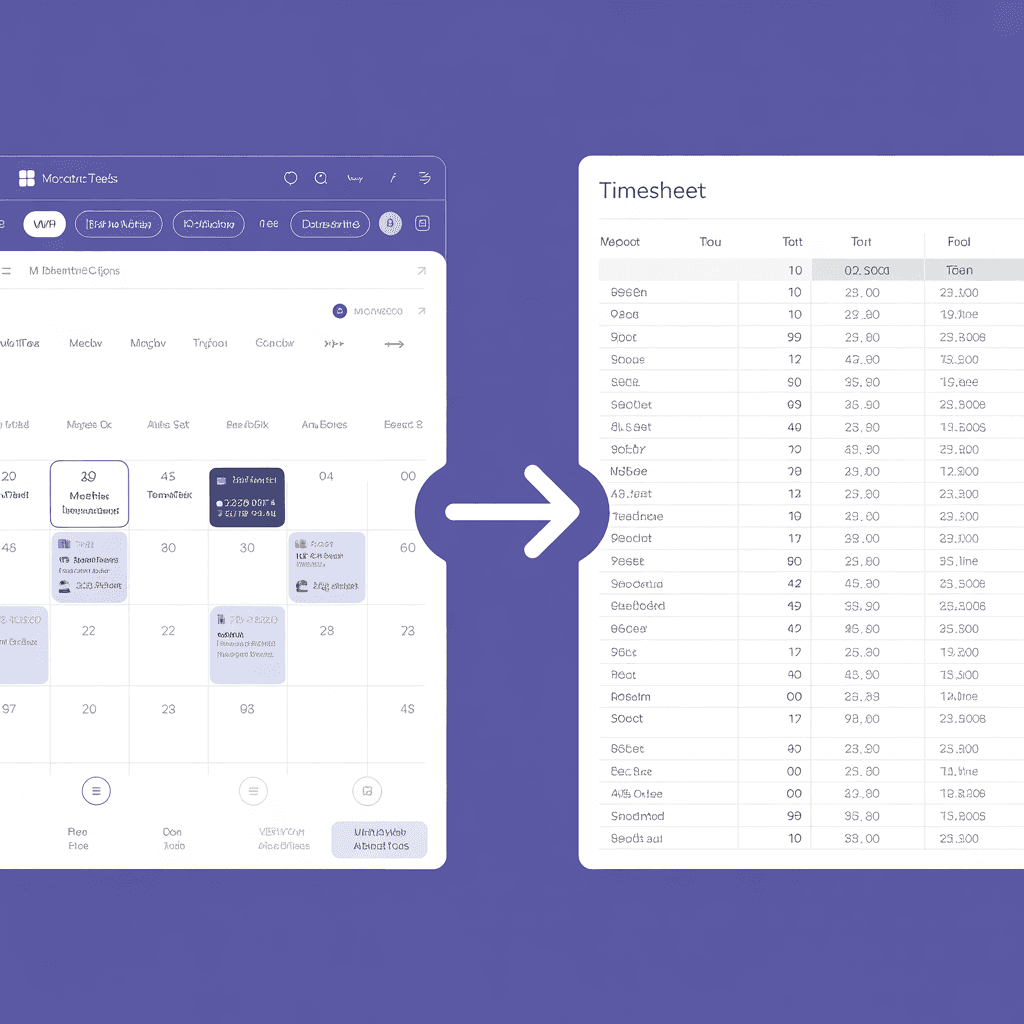
How to Export Microsoft Teams Meetings to a Timesheet
Your Teams calendar already tracks every meeting. Here's how to turn that data into a professional timesheet — manually, with Power Automate, or with an automated tool.