


Best Way to Track Billable Hours as a Freelancer
The most expensive hours of your freelance career are the ones you worked and never billed. Here is how to stop the leak — without time tracking apps you will never use.
Best Way to Track Billable Hours as a Freelancer
The most expensive hours of your freelance career are the ones you worked and never billed.
Not lost to bad clients. Not to low rates. Lost because nobody wrote them down — and by Friday, nobody could remember them.
If you have ever sent an invoice and thought, "that feels low for how much I worked this month" — you are probably right. And the problem is not your rates. It is your time tracking system.
Why Most Freelancers Fail at Time Tracking
You have probably tried one (or all) of these:
The Timer Approach (Toggl, Clockify, Harvest)
Start a timer when you begin a task. Stop it when you are done. Simple in theory.In practice? You forget to start the timer half the time. You forget to stop it even more. You end up with entries like "8 hours — unnamed task" because you started a timer before lunch and found it still running at midnight.
The fatal flaw: Timer-based tracking requires real-time discipline. Freelancers are busy doing the work — not thinking about tracking it.
The Spreadsheet Approach
Open a spreadsheet. Type what you did. Guess how long it took.This works for about two weeks before you stop updating it. And even when you do, the data is based on memory — which is notoriously unreliable for estimating time.
The fatal flaw: You are reconstructing your day from memory instead of recording it as it happens.
The "I Will Just Remember" Approach
No system at all. You invoice based on vibes.The fatal flaw: You are literally leaving money on the table. That 20-minute client call? The 45-minute email thread? The Sunday evening "quick fix"? None of it gets billed.
The Method That Actually Works: Calendar-Based Tracking
Here is the approach that solves every problem above: use your calendar as your time tracker.
You are already putting meetings, calls, and work blocks on your calendar. That data — event titles, start times, end times — is 90% of what a timesheet needs.
The missing piece is turning those calendar events into a billable hours report.
How Calendar-Based Tracking Fixes Everything
Problem: Forgetting to start timers
Calendar fix: Events are created when you schedule them — before the work happens. No real-time tracking needed.
Problem: Inaccurate memory
Calendar fix: Start and end times are recorded precisely. A 47-minute meeting is logged as 47 minutes, not "about an hour."
Problem: Missing the small stuff
Calendar fix: Quick calls, ad-hoc syncs, and "just five minutes" requests show up as calendar events. They get billed.
Problem: Admin overhead
Calendar fix: You are not maintaining a separate system. Your calendar IS your system.
How to Set It Up (The Stintt Method)
Stintt automates the entire flow:
1. Calendar Hygiene (5 Minutes of Setup)
Start putting everything billable on your calendar:
- Client calls and meetings (you probably do this already)
- Focus/deep work blocks (e.g., "Acme Co — Website Development")
- Quick tasks (e.g., "Client X — Email Review")
- Admin time (invoicing, proposals — mark as non-billable)
2. Connect to Stintt (60 Seconds)
Link your Google Calendar with read-only access — Stintt reads your events and never writes to your calendar. The free tier covers one source and up to 7 days per export, which is enough for a standard weekly invoice cycle.
More sources — Zoom, Jira, Asana, Monday.com and Toggl Track — are on the integrations roadmap rather than available today, so plan your setup around the calendar for now.
3. Export Billable Hours (One Click)
Choose the Client Billing template. Stintt generates:
- Hours grouped by client
- Billable vs. non-billable breakdown
- Per-client totals at your hourly rate
- Date range and task descriptions for each entry
Do the Maths on Your Own Hours
Rather than trust anyone's average, run the numbers on yourself. It takes about a minute:
- Count the billable-but-unlogged moments in a typical week — the 20-minute call, the 45-minute email thread, the Sunday "quick fix."
- Add up the hours. For most freelancers this lands somewhere between one and three.
- Multiply by your rate, then by 48 working weeks.
The Best Stack for Freelancer Billing in 2026
| Layer | Tool | Cost |
|---|---|---|
| Time tracking | Your Google Calendar | Free |
| Timesheet generation | Stintt | Free / $9 per month |
| Rate calculation | Freelance Rate Calculator | Free |
| Invoicing | Your preferred tool | Varies |
Stop Losing Money to Forgotten Hours
Your calendar already records when you work and for whom. The only thing missing is a bridge between your calendar and your invoice.
Try Stintt free — connect your calendar, export your billable hours, and see exactly how much revenue you have been leaving on the table.
Your future self (and your bank account) will thank you.
Calculate your ideal freelance rate with our free Freelance Rate Calculator, or estimate project meeting costs with the Meeting Cost Calculator.
- See how Stintt builds automatic timesheets from Google Calendar
- Set up the Google Calendar timesheet integration
- Try the free timesheet calculator
- Compare plans on Stintt pricing
Related articles

Free Timesheet Templates for Freelancers 2026
Download free timesheet templates designed for freelancers in 2026. Excel, Google Sheets, and auto-generated options — plus a smarter alternative that fills itself.
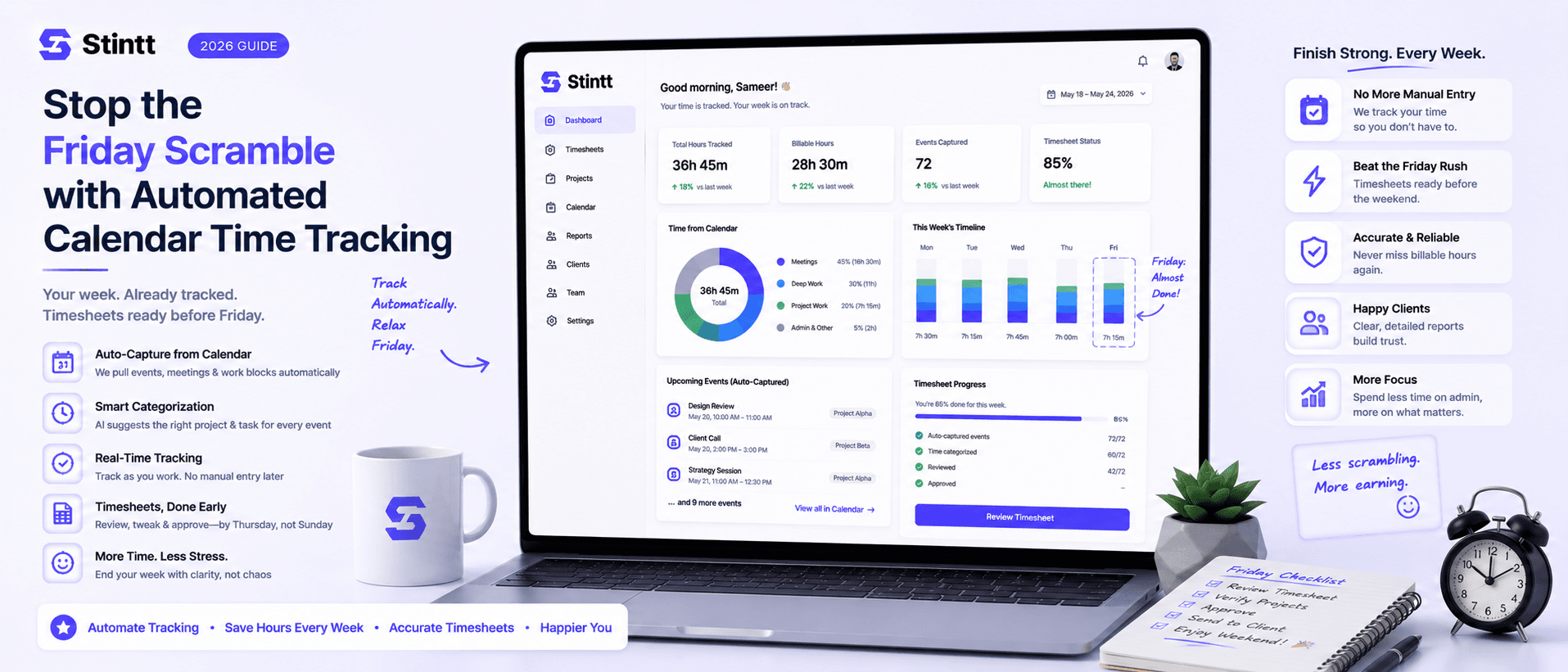
Stop the Friday Scramble with Automated Calendar Time Tracking
Automated calendar time tracking takes the events already sitting in your team's Google Calendars and turns them into drafted timesheet entries each person reviews and approves. Nobody reconstructs a week from memory at 4pm on Friday, and you stop spending Monday chasing the people who never submitted. Here's what the Friday scramble really costs, how calendar-based tracking closes the loop through to invoices, and where it's the wrong fit.
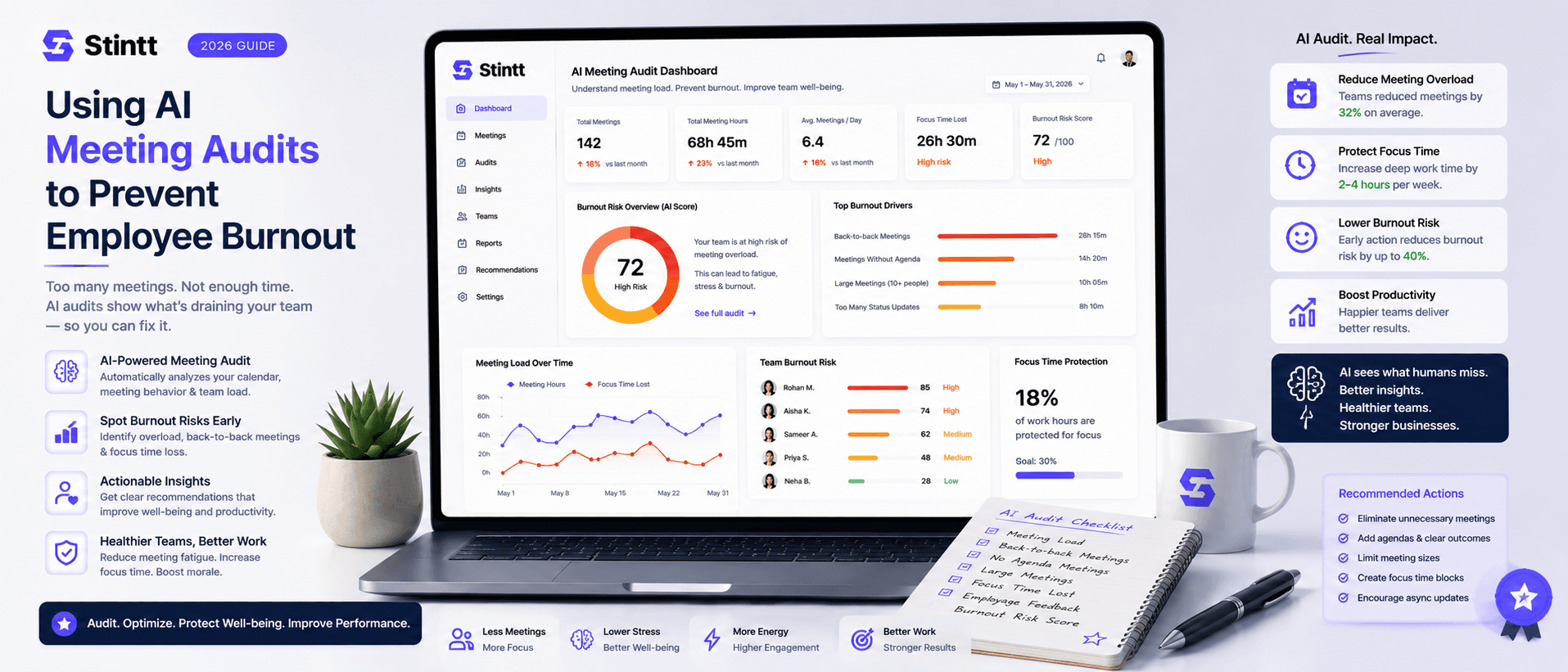
Using AI Meeting Audits to Prevent Employee Burnout
The average professional spends nearly 13 hours a week in meetings — about 84 working days a year — and constant context-switching quietly drains 20% of their mental capacity. At some point a packed calendar stops being busy and starts being a burnout risk. An AI meeting audit reads the calendar your team already keeps and gives you an honest split of meeting load versus focus time, early enough to rebalance workloads before people quit. Here's how it works, the frameworks that make meetings earn their place, and how to gather the insight without tipping into surveillance.