

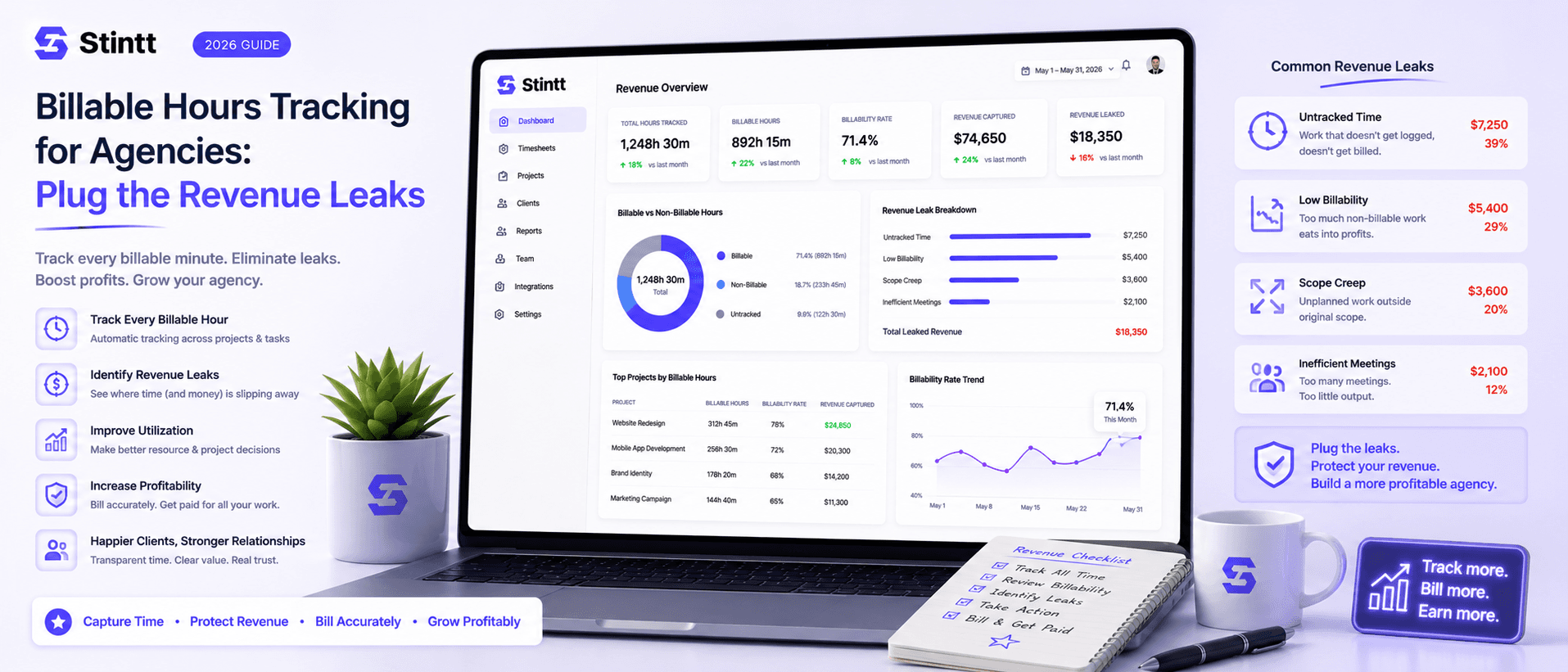
Billable Hours Tracking for Agencies: Plug the Revenue Leaks
Most agencies don't lose revenue on bad projects — they lose it on good ones, fifteen unbilled minutes at a time. When timesheets are filled in from memory on Friday, work you already delivered never reaches an invoice, and no report shows you the gap. This piece puts real numbers on the four ways billable hours leak, walks through the calendar-drafted, human-approved pipeline that plugs them, and is honest about the teams it doesn't suit.
Billable Hours Tracking for Agencies: Plug the Revenue Leaks
Most agencies don't lose revenue on bad projects. They lose it on good ones, fifteen unbilled minutes at a time. When timesheets get filled in from memory at the end of the week, some of the work your team already delivered never reaches an invoice, and no report will ever show you the gap. That gap turns into one of three problems on the invoice itself: hours that never get billed at all, a line item a client disputes because nothing backs it up, or a retainer quietly over-delivered until the margin is gone.
Closing it is the whole job of billable hours tracking for agencies, and it takes a specific pipeline: draft hours from records your team already keeps (mostly the calendar), put a human approval step in front of billing, and invoice only from approved hours. Below, I'll put numbers on the leaks first, walk through that pipeline stage by stage, and then be honest about the teams it doesn't suit.
Where billable hours tracking for agencies leaks revenue
For a 5–25 person agency billing hourly or by project, the leaks come in four flavors, roughly in order of cost:
Short work that never gets logged. The 20-minute call a client squeezes in before lunch. The quick review of a contractor's draft. Anything under half an hour rarely feels worth opening a tracker for, so it quietly becomes free work.
Reconstruction error. Memory of ordinary work decays within days. Rebuilding Tuesday on Friday means guessing, and people guess low, because rounding up feels like stealing and rounding down feels safe. We broke down how fast recall degrades in the memory tax: what forgetting costs your timesheet.
Misattributed hours. The time was logged, but against the wrong client, or against no client at all. The hours show up in your totals and vanish from the one invoice where they belonged.
Retainer hours quietly over-delivered. The retainer says 40 hours a month; the team delivers 55 because nobody was counting until margin looked thin. The extra time gets done without being recorded anywhere, so you can never show a client how far past scope the work drifted, and you eat the difference at renewal.
Here's how the first two turn into one invoice. A 3-person pod bills a retainer client monthly at a blended $90/hour. The reconstructed timesheet says 62 hours delivered that month, so the invoice goes out at 62 × $90 = $5,580. But two people under-logged their Friday admin catch-up calls, and a rushed post-launch review never made it onto anyone's list. The work actually delivered was 71 hours, worth $6,390. That's $810 gone on a single month's invoice to one client, and nobody would have caught it without going back through calendars and Slack threads by hand. Multiply that by every retainer client and every month, and the number that looked like rounding error becomes the difference between a good year and a mediocre one. If you bill solo, the same math hits every invoice you send yourself, and we've written it up in stop underbilling yourself.

The pipeline that keeps billing accurate
None of these leaks respond to "please fill in your timesheets on time." They respond to changing where the data comes from. Three stages.
1. Draft hours from records your team already keeps
Your team's Google Calendar already holds most of the truth about the week: client meetings, focus blocks, internal reviews. Stintt connects to it through a read-only OAuth scope, meaning it can read events but can't edit or delete anything, and drafts a timesheet from what's there. AI categorizes each event as it comes in: client meeting, focus work, admin, break, time off. Add a #tag to an event title or set a project rule and the hours land against the right client from the start, which closes the misattribution leak before it opens.

The calendar doesn't hold everything, so there's a second capture path: chat standups. A team member types a one-line note about off-calendar work in Telegram or Google Chat, and it becomes a drafted entry alongside the calendar ones. Between the two sources, that 20-minute call which never had a calendar slot still gets captured the day it happened instead of being guessed at on Friday. The broader case for treating the calendar as your source of record is in your calendar already knows your day.
One detail matters more for billing accuracy than any feature list: Stintt syncs up to 18 months of calendar history. You can draft timesheets for months you already invoiced and compare them against what you actually billed. That's the fastest honest audit of your own underbilling available, and you can find your gap within an afternoon.
2. Approve every entry before it can be billed
Automatic capture without review is how a client ends up billed for someone's dentist appointment. So nothing in Stintt is billable until a person says it is. Every captured entry starts as a draft. Team members look over their week, fix a category, discard the personal stuff. Managers then approve or discard entries, with an auto-approve option once a source has proven itself, and end-of-day reminders chase the stragglers so review doesn't pile up into its own Friday chore.
The weekly rhythm changes shape here. Reconstructing a week from memory takes a typical person 30 to 45 minutes; reviewing a drafted one takes a few, because recognition is fast and recall is slow. For an 8-person team, that's roughly 4 hours of admin a week converted into minutes of review.
This stage is also your dispute defense. When a client questions a line item, "drafted from the calendar event on March 4, reviewed and approved by the person who did the work" ends the conversation quickly. A reconstructed number invites negotiation. A reviewed one usually doesn't.
3. Invoice from approved hours only
The last leak sits between the timesheet and the invoice: retyping. Every manual transfer of hours into a billing document is a chance to drop a line or fat-finger a rate. Stintt generates invoices directly from approved hours, with PDF export and a GST-compliant template if you bill Indian clients. If you already have billing software you like, export the approved hours instead: Excel with one tab per person, CSV, or PDF, with custom columns to match whatever layout your system expects. Either way, the number on the invoice is the number someone approved, not a copy of a copy.
Accurate tracking without watching your team
There's a category of tracker that chases accuracy through surveillance: screenshots, keystroke logging, app monitoring. It backfires on billing specifically, because people who feel watched start optimizing for how their activity looks to the monitor, and the data ends up describing that performance rather than the client work.
Stintt has none of it. No screenshots, no keystroke logging, no screen or app monitoring, no GPS. It reads calendars on a read-only scope, and every entry stays a draft until the person who did the work approves it. That draft-first design is what keeps the data honest: people correct their own entries instead of gaming a monitor. The full stance is on the security page, and there's a longer piece on why we don't store your calendar events.
When calendar-based tracking is the wrong fit
An honest fit check, because this approach is not for everyone:
- Field and crew teams. If you need GPS clock-in or geofenced job sites, buy a workforce-management tool built for that. Stintt deliberately has no GPS.
- Microsoft shops. Stintt is built for Google Calendar. If your firm lives in Outlook, pick a tool native to that world rather than fighting it.
- Six-minute-increment billing. Firms that bill in 0.1-hour increments with narrative descriptions, most law firms among them, usually want a manual timer under the biller's direct control. Timer-based tools like Toggl or Harvest fit that habit better.
- Work that touches nothing. If a workday is one unbroken block with no meetings and nobody willing to type a standup line, there's little for a calendar-based tool to draft from.
Run the audit before you commit to anything
You don't have to take the leakage math on faith. Connect a calendar, pull in the history, draft a month you've already billed, and compare it to the invoice you sent. The gap is your number, not mine.
The free plan (no credit card) lets you connect one Google Calendar and see your own events drafted and categorized. To run the full loop across a team, with approvals and invoicing, the Workspace trial gives you 14 days, also without a card; per-seat details are on the pricing page.
Draft last month's timesheet from your calendar with Stintt and see what you've been leaving off your invoices.
- See how Stintt builds automatic timesheets from Google Calendar
- Set up the Google Calendar timesheet integration
- Try the free timesheet calculator
- Compare plans on Stintt pricing
Related articles
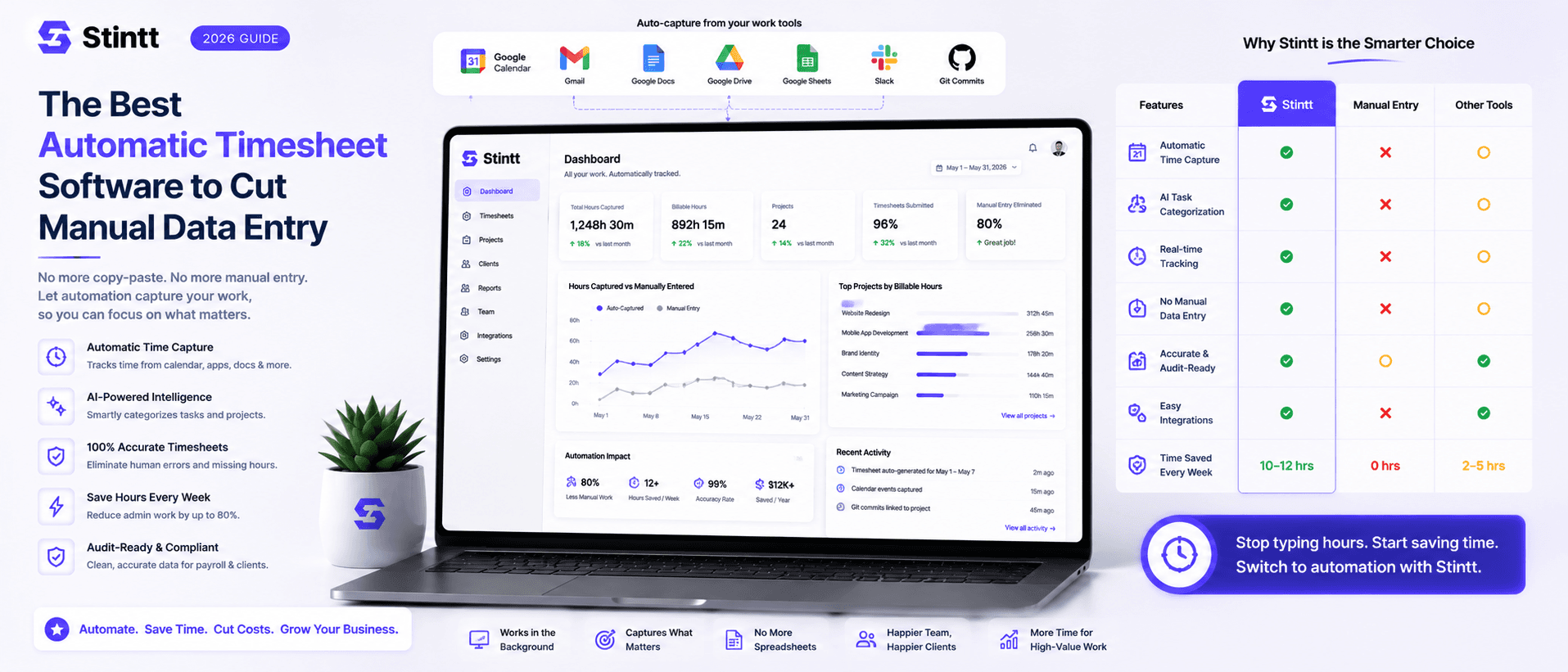
The Best Automatic Timesheet Software to Cut Manual Data Entry
The best automatic timesheet software is simply the one that builds timesheets from a record your team already keeps. But "automatic" means three different things — timer-based, activity-based, and calendar-based tools all claim it, and picking the wrong category is how teams end up paying for a tracker nobody opens after week two. This guide breaks down the three, gives you five questions that separate real automation from shelfware, places the well-known names (Harvest, Toggl, Clockify, Memtime), and is honest about when a calendar-based tool is the wrong pick.

Introducing Stintt v0.1: Your Calendar is Your Timesheet
We are thrilled to launch Stintt — the simplest way to turn your calendar events into accurate timesheets.