


Introducing Stintt v0.1: Your Calendar is Your Timesheet
We are thrilled to launch Stintt — the simplest way to turn your calendar events into accurate timesheets.
Introducing Stintt v0.1
After months of building, testing, and iterating with early users, we are excited to officially launch Stintt to the world.
What is Stintt?
Stintt is a tool that automatically converts your calendar events into timesheet entries. No more manual data entry. No more forgotten hours. No more Friday afternoon dread.
Key Features in v0.1
- Calendar Integration — Connect Google Calendar, Outlook, or iCal
- Smart Mapping — Rules engine that maps events to projects and tasks
- Export Anywhere — CSV, PDF, Excel, or direct API push
- Privacy First — Your data stays yours. We never sell or share it
- Free Tier — Generous free plan for individual users
Why We Built This
Every member of our founding team has experienced the pain of manual timesheets. Whether it was:
- Consulting firms requiring 15-minute increment billing
- Enterprise companies needing project-level tracking
- Freelancers invoicing multiple clients
We believe the best timesheet is one you never have to fill out manually.
What is Next?
Our roadmap for the coming months includes:
- AI-powered categorization — automatically classify events
- Team dashboards — aggregated views for managers
- Slack integration — submit timesheets without leaving chat
- Mobile app — review and approve on the go
Try It Free
Head to stintt.com and sign up in under 60 seconds. We would love your feedback!

Thank you to our beta testers who helped shape this product. You know who you are.
- See how Stintt builds automatic timesheets from Google Calendar
- Set up the Google Calendar timesheet integration
- Try the free timesheet calculator
- Compare plans on Stintt pricing
Related articles
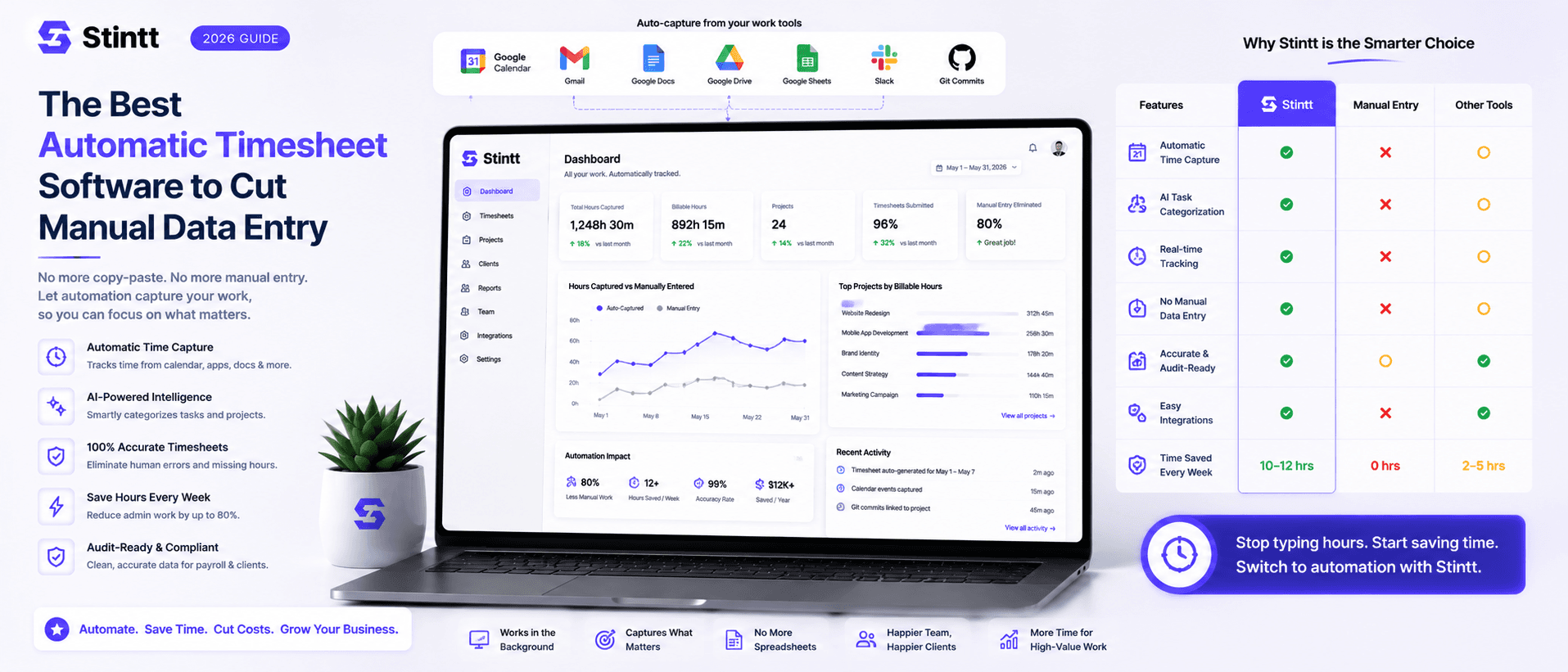
The Best Automatic Timesheet Software to Cut Manual Data Entry
The best automatic timesheet software is simply the one that builds timesheets from a record your team already keeps. But "automatic" means three different things — timer-based, activity-based, and calendar-based tools all claim it, and picking the wrong category is how teams end up paying for a tracker nobody opens after week two. This guide breaks down the three, gives you five questions that separate real automation from shelfware, places the well-known names (Harvest, Toggl, Clockify, Memtime), and is honest about when a calendar-based tool is the wrong pick.
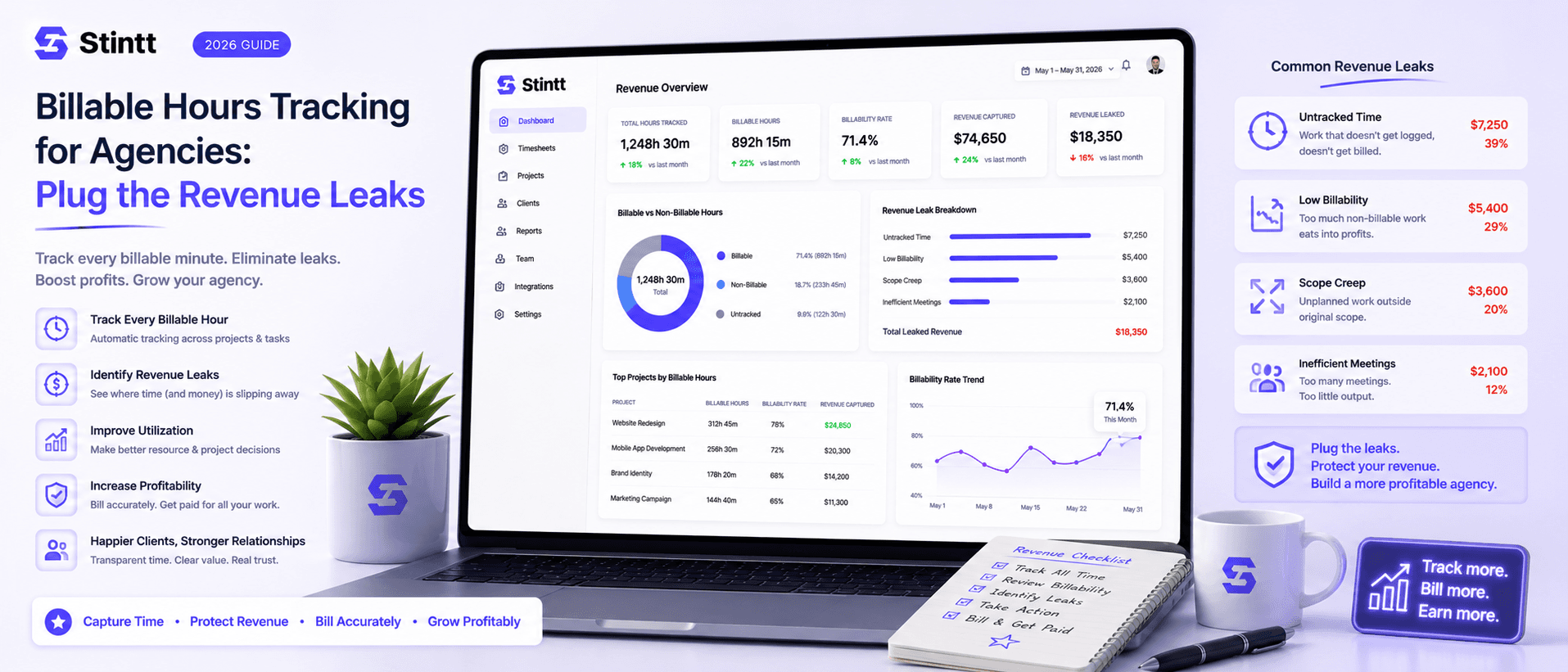
Billable Hours Tracking for Agencies: Plug the Revenue Leaks
Most agencies don't lose revenue on bad projects — they lose it on good ones, fifteen unbilled minutes at a time. When timesheets are filled in from memory on Friday, work you already delivered never reaches an invoice, and no report shows you the gap. This piece puts real numbers on the four ways billable hours leak, walks through the calendar-drafted, human-approved pipeline that plugs them, and is honest about the teams it doesn't suit.