

Free Timesheet Templates for Freelancers & Contractors
Choosing the right timesheet format matters. Here are 6 practical templates for freelancers, contractors, and consultants — with examples of when to use each.
Why Your Timesheet Format Matters
A timesheet isn't just a time log — it's a communication tool. The format you use tells your client or manager what you worked on, how long it took, and how much it costs.
Use the wrong format and you'll get follow-up questions. Use the right one and the invoice gets approved without a word.
Here are six practical timesheet formats, when each one makes sense, and how to pick the right one for your situation.
1. Standard Timesheet
Columns: Task, Start Time, End Time, Duration
The classic format. One row per task or meeting, with start/end times and calculated duration. No extras.
Best for: Employees filing weekly timesheets, hourly workers, anyone who needs a simple record.
Example row:
| Task | Start | End | Duration |
|---|---|---|---|
| Sprint Planning | 9:00 AM | 10:00 AM | 1.0h |
| Frontend Development | 10:30 AM | 12:30 PM | 2.0h |
2. Detailed Report
Columns: Task, Time, Duration, Source, Category, Description, Attendees
Everything included. This format adds context — where the event came from, what category it belongs to, who was there, and what it was about.
Best for: Consulting firms, compliance-heavy environments, anyone who needs an audit trail.
3. Daily Summary
Columns: Date, Tasks (grouped), Total Hours
Instead of listing every event, this format groups by day. You see Monday's total, Tuesday's total, and so on.
Best for: Weekly check-ins, stand-up summaries, remote team managers who want the big picture.
4. Client Billing
Columns: Task, Hours, Category
Stripped of timestamps and grouped by project or category. This is what you attach to an invoice. The client sees what you did and how long it took — not when you woke up.
Best for: Freelancers, agencies, consultants sending invoices. This is probably the most important format on this list.
5. Simple Log
Columns: Task, Start Time, Duration
The minimal option. Just the task name, when you started, and how long it took. No end times, no categories, no extras.
Best for: Internal logging, quick daily records, solo freelancers who just need a personal log.
6. Grid Timesheet
Format: Days as rows, hourly time slots as columns
A matrix view — think of it as a visual calendar in spreadsheet form. Each cell shows what you were doing during that hour.
Best for: Shift workers, visual planners, people who want to see their entire week at a glance.
How to Choose
Ask yourself two questions:
- Who is reading this? If it's a client, use Client Billing. If it's your manager, Standard or Daily Summary. If it's just you, Simple Log.
- What level of detail do they need? More detail = Detailed Report. Less detail = Simple Log or Daily Summary.
Don't Build Templates from Scratch
The hardest part of timesheets isn't the format — it's filling in the data. If your meetings and tasks are already in Google Calendar, you can skip manual entry entirely.
Stintt offers all six formats above, auto-populated from your calendar events. Connect your source, pick a template, and export to Excel.
If you prefer manual entry, our free timesheet calculator lets you add entries, calculate totals and overtime, and track your hours — no signup needed.
One More Tip
Whatever template you use, be consistent. Switching formats week to week makes it harder for clients or managers to compare across periods. Pick one format and stick with it for at least a quarter.
- See how Stintt builds automatic timesheets from Google Calendar
- Set up the Google Calendar timesheet integration
- Try the free timesheet calculator
- Compare plans on Stintt pricing
Related articles

Free Timesheet Templates for Freelancers 2026
Download free timesheet templates designed for freelancers in 2026. Excel, Google Sheets, and auto-generated options — plus a smarter alternative that fills itself.
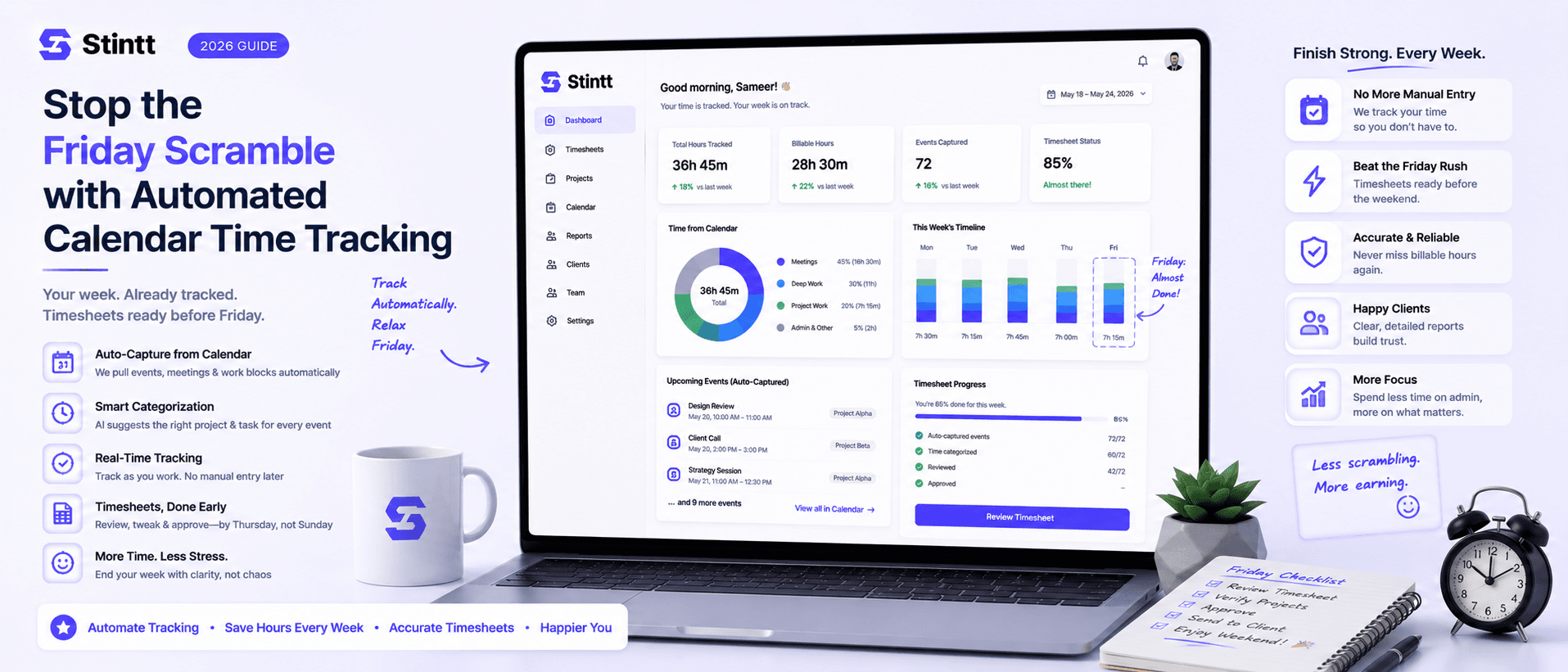
Stop the Friday Scramble with Automated Calendar Time Tracking
Automated calendar time tracking takes the events already sitting in your team's Google Calendars and turns them into drafted timesheet entries each person reviews and approves. Nobody reconstructs a week from memory at 4pm on Friday, and you stop spending Monday chasing the people who never submitted. Here's what the Friday scramble really costs, how calendar-based tracking closes the loop through to invoices, and where it's the wrong fit.
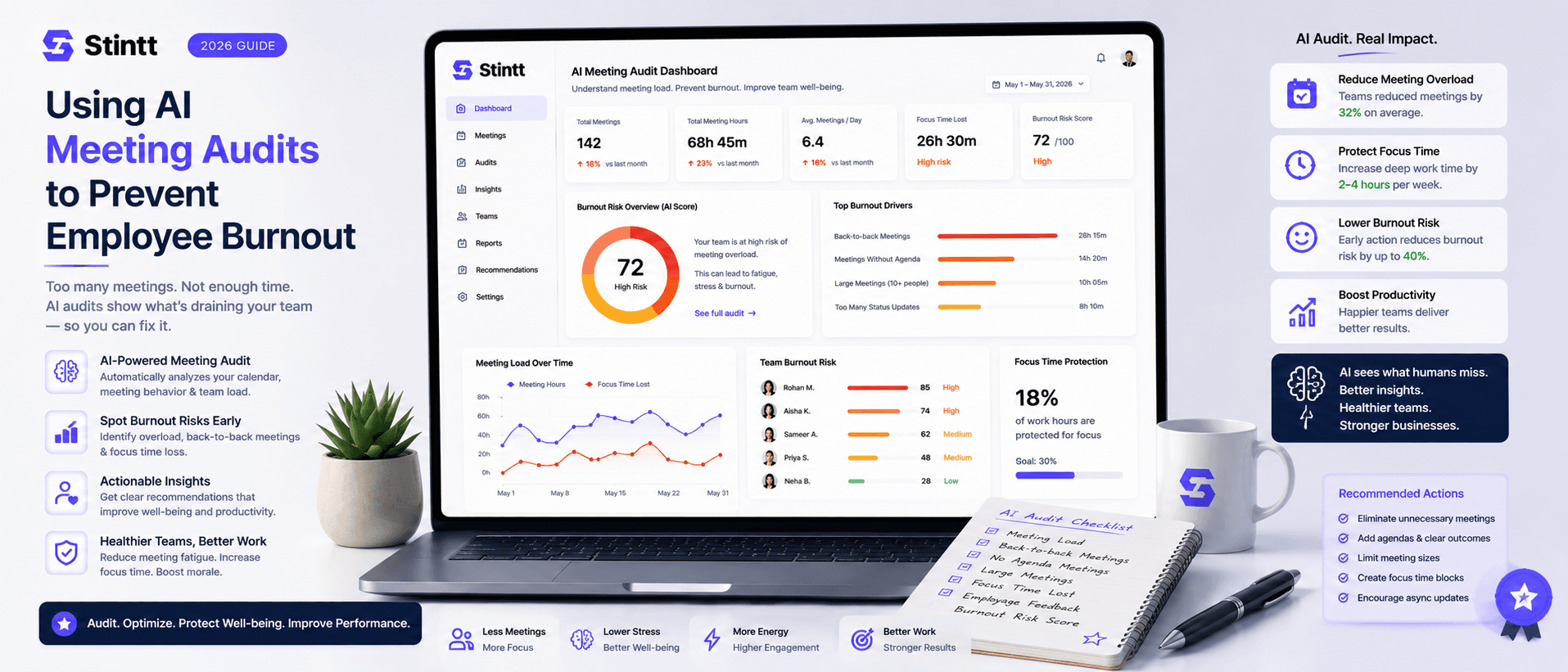
Using AI Meeting Audits to Prevent Employee Burnout
The average professional spends nearly 13 hours a week in meetings — about 84 working days a year — and constant context-switching quietly drains 20% of their mental capacity. At some point a packed calendar stops being busy and starts being a burnout risk. An AI meeting audit reads the calendar your team already keeps and gives you an honest split of meeting load versus focus time, early enough to rebalance workloads before people quit. Here's how it works, the frameworks that make meetings earn their place, and how to gather the insight without tipping into surveillance.