

How to Track Work Hours Accurately (Without Forgetting)
Inaccurate time tracking leaks hours you actually worked. Here are practical strategies and tools to capture every one of them without constant manual logging.
The Real Cost of Inaccurate Time Tracking
Inaccurate time tracking rarely fails loudly. It fails as a slow leak — a few minutes rounded off here, a short call never logged there, all of it estimated rather than recorded.
The arithmetic is unforgiving. At $75/hour, underreporting by just 30 minutes a day costs you $9,750 over a working year — roughly 260 billable half-hours you worked and never charged for.
The problem isn't laziness. It's that manual time tracking requires constant attention, and human memory is unreliable. Here's how to fix that.
Strategy 1: Track in Real-Time (Not End-of-Day)
The number one mistake is logging hours at the end of the day or week from memory. By Friday afternoon, Monday's 45-minute client call becomes "about an hour" in your head.
The fix: Log time as you go, or use tools that do it for you.
- Set a phone alarm every 2 hours: "What are you working on right now?"
- Use a physical notepad on your desk for quick timestamps
- Block your actual work on your calendar (not just meetings)
Strategy 2: Use Your Calendar as Your Source of Truth
Most knowledge workers already record a large share of their day in their calendar — meetings, calls, focus blocks. Instead of duplicating this data into a separate timesheet, pull it directly from the calendar.
This is the approach Stintt takes:
- Your meetings and events are already in Google Calendar
- Connect once, select your date range
- Export the events as a formatted timesheet
Pro tip: Start calendar-blocking your non-meeting work too. "2:00-4:00 PM — Frontend Development" gives you a complete picture of your day when it's time to export.
Strategy 3: The Two-Minute Rule
If a task takes less than two minutes to log, log it immediately. Don't batch small entries — they're the ones you'll forget.
Replied to a client email? Log it. Quick code review? Log it. Five-minute Slack call? Log it.
These micro-tasks add up to 1-2 hours per day that most people never track.
Strategy 4: Categorize, Don't Just List
Tracking "7 hours of work" tells you nothing. Tracking "3h development, 2h meetings, 1h code review, 1h admin" tells you everything.
Categories help you:
- Identify where your time actually goes (vs. where you think it goes)
- Bill different rates for different work types
- Spot inefficiencies (too many meetings? too much context-switching?)
Strategy 5: Automate What You Can
Not all time tracking needs to be manual. Here are things you can automate:
| Source | What It Captures | Status |
|---|---|---|
| Google Calendar | Meetings, calls, focus blocks | Available now |
| Zoom | Meeting duration | Coming soon |
| Microsoft Teams | Teams and Outlook meetings | Available now |
| Jira | Sprint work, issue time | Available now |
| ClickUp | Task-level tracked time | Available now |
| Toggl Track | Timer-based entries | Coming soon |
Strategy 6: Weekly Review (5 Minutes Max)
Set a recurring calendar event: Friday 4:00 PM — Timesheet Review.
In 5 minutes:
- Open your timesheet for the week
- Check for gaps — any blocks of time unaccounted for?
- Fill in missing entries while the week is still fresh
- Export and submit
The Tools That Make It Easy
For quick calculations: Use the free timesheet calculator. Add your entries, set breaks and overtime thresholds, and see your totals instantly.
For weekly tracking: The work hours calculator lets you enter a full weekly schedule with per-day start/end times and break deductions.
For automated tracking: Connect your calendar and let Stintt pull events directly. Google Calendar is live today, with Zoom, Jira, Asana, Monday.com and Toggl Track on the integrations roadmap. The free tier covers one source and up to 7 days per export.
The Bottom Line
Accurate time tracking isn't about discipline — it's about systems. Use your existing tools (calendars, project boards) as the data source. Automate the export. Review briefly once a week. That's it.
The best timesheet is the one you don't have to think about.
- See how Stintt builds automatic timesheets from Google Calendar
- Set up the Google Calendar timesheet integration
- Try the free timesheet calculator
- Compare plans on Stintt pricing
Related articles

Free Timesheet Templates for Freelancers 2026
Download free timesheet templates designed for freelancers in 2026. Excel, Google Sheets, and auto-generated options — plus a smarter alternative that fills itself.
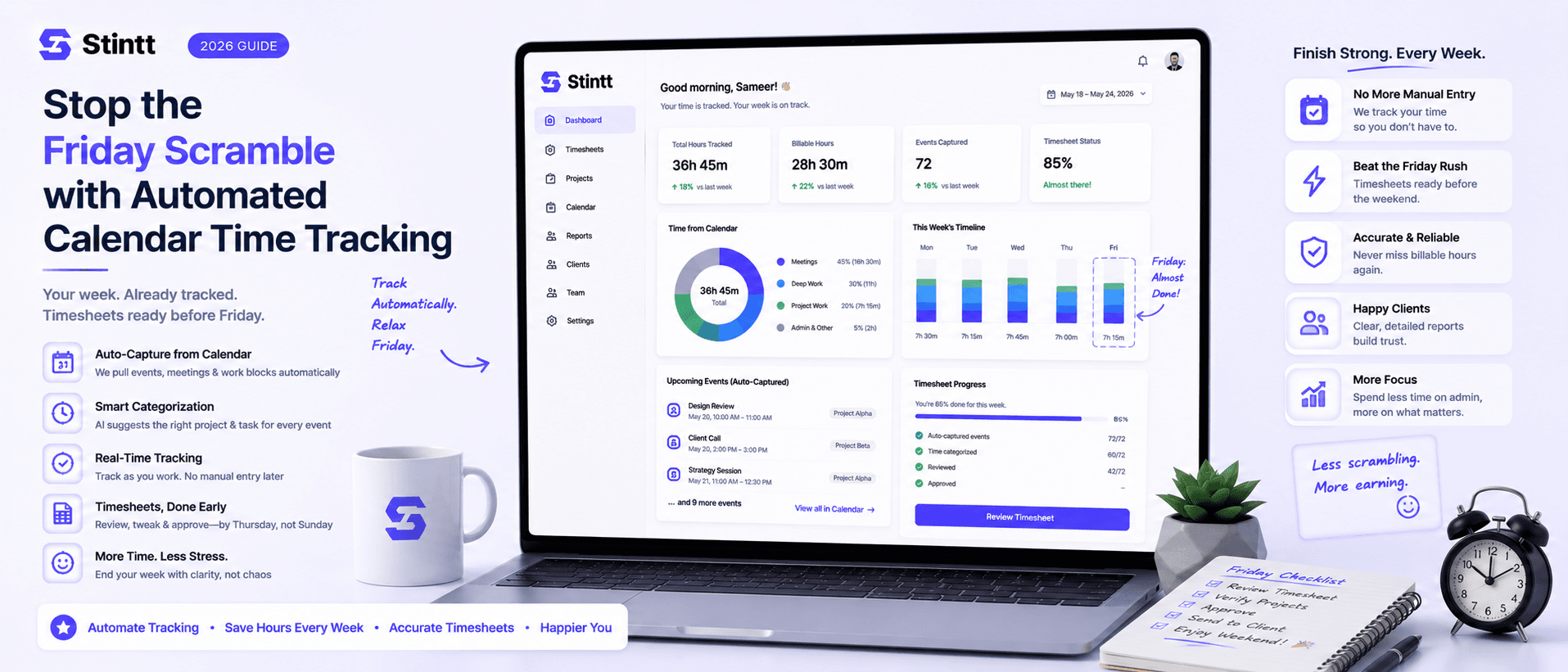
Stop the Friday Scramble with Automated Calendar Time Tracking
Automated calendar time tracking takes the events already sitting in your team's Google Calendars and turns them into drafted timesheet entries each person reviews and approves. Nobody reconstructs a week from memory at 4pm on Friday, and you stop spending Monday chasing the people who never submitted. Here's what the Friday scramble really costs, how calendar-based tracking closes the loop through to invoices, and where it's the wrong fit.
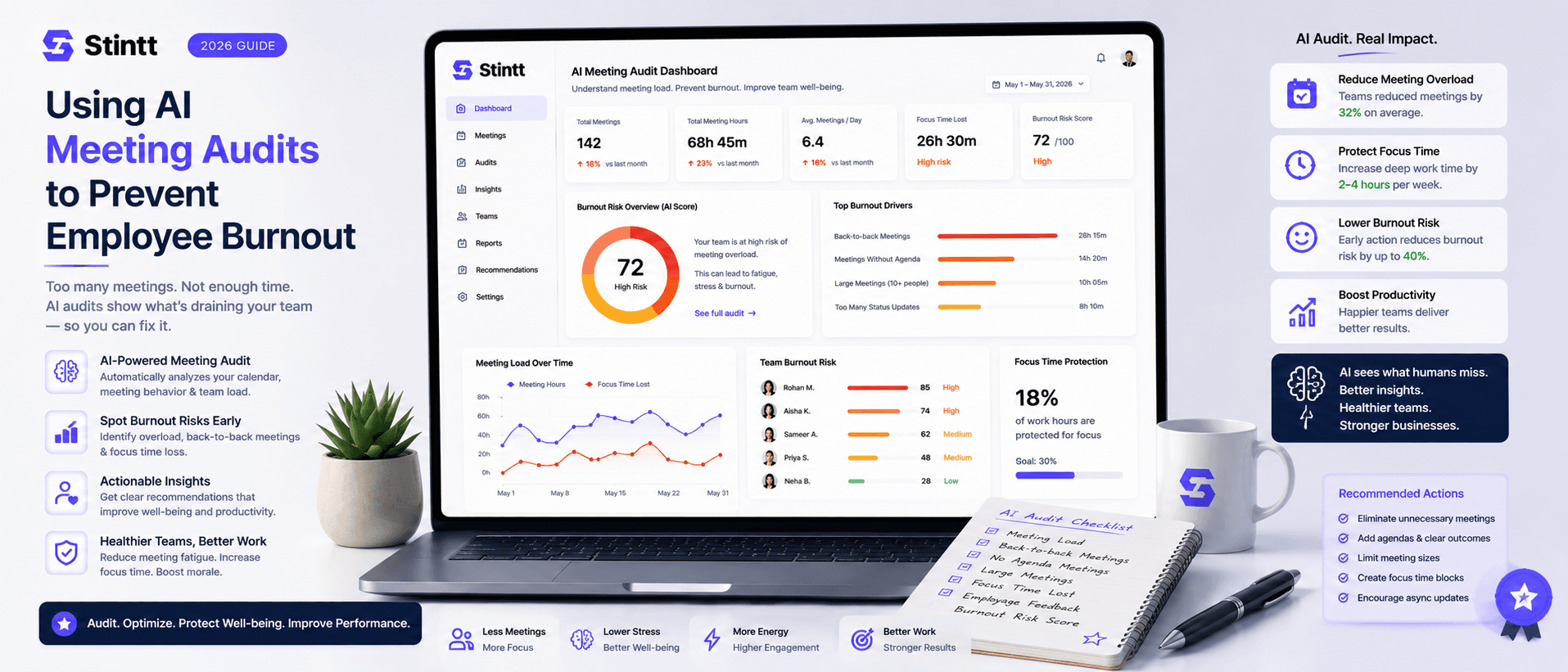
Using AI Meeting Audits to Prevent Employee Burnout
The average professional spends nearly 13 hours a week in meetings — about 84 working days a year — and constant context-switching quietly drains 20% of their mental capacity. At some point a packed calendar stops being busy and starts being a burnout risk. An AI meeting audit reads the calendar your team already keeps and gives you an honest split of meeting load versus focus time, early enough to rebalance workloads before people quit. Here's how it works, the frameworks that make meetings earn their place, and how to gather the insight without tipping into surveillance.