

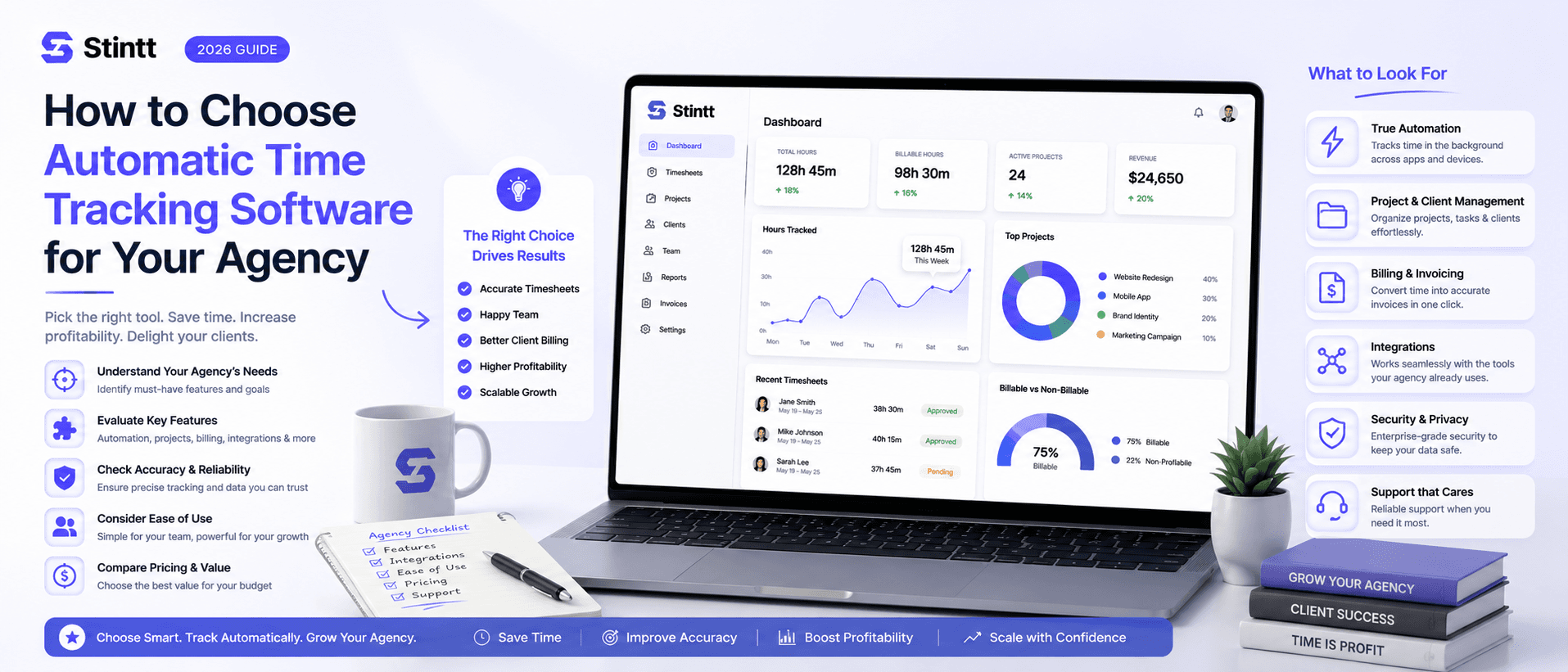
How to Choose Automatic Time Tracking Software for Your Agency
Feature grids won't make this decision for you. Choosing automatic time tracking software comes down to one question vendors rarely answer: how does the tool capture time when nobody remembers to press a button? This is the evaluation a 5–25 person agency should actually run — capture model first, then the cost math, a testable checklist, and a two-week trial that decides on numbers, not demo impressions.
How to Choose Automatic Time Tracking Software for Your Agency
Feature grids won't make this decision for you. The choice of automatic time tracking software comes down to one question almost no vendor page answers: how does the tool capture time when nobody remembers to press a button? Billing accuracy and team adoption both follow from that answer.
This is the evaluation an agency of 5 to 25 people should actually run: pick the right capture model first, then test a short list against the requirements, billing fit, and math below.
Start with the capture model, not the feature list

Every tool in this market captures time in one of three ways. That single design decision predicts most of what you'll like and hate about it a year in.
Timer-based tools (Toggl Track, Harvest, Clockify) expect each person to start and stop a timer, or fill entries in afterward. They're mature products with deep reporting, and they suit people who split their day across many small tasks and have the discipline to run timers. The catch is the dependency: the data is only as good as the human pressing the button, and the human is busy. Once someone forgets a morning, they're back to reconstructing it from memory. We've written before about how timer-based trackers make you work for your software.
Activity-monitoring tools (Hubstaff, Time Doctor) install an agent on each machine and record activity levels, sometimes with screenshots. They exist for a reason: some clients paying hourly for remote contract work demand proof of presence. If that's your contract structure, be honest about it and pick from that category. Imposed on a salaried creative team, though, the same features read as surveillance and cost you trust you can't buy back.
Calendar-based tools like Stintt read the schedule your team already keeps and draft time entries from it. No timers, no background agent watching what's on screen. A client workshop, a sprint review, a blocked-out design morning: each becomes a drafted entry, categorized and ready to review. The trade-off is coverage. Work that never touches the calendar needs another capture path, which is why Stintt also accepts quick chat standups ("spent 45 min fixing the staging deploy") and folds them into the same drafted timesheet.
Here's a ten-minute test. Pull up three teammates' calendars from last Tuesday. If most of their working day is visible as events, calendar-based capture will draft most of your timesheets from data you already have; the calendar-based vs manual comparison walks through why that tends to win. If the calendars are nearly empty, either fix scheduling habits first or accept that a timer tool fits your culture better.
One honest exclusion: if you manage field crews who clock in at job sites, you need GPS-capable workforce tools. That's a different category, and neither Stintt nor any other calendar-based tool belongs on your shortlist.
Do the math before you shop

New software has to clear a bar: worth more than it costs, in numbers you can recompute yourself. Two figures matter here.
The admin cost. If 8 people each spend 20 minutes on Friday reconstructing their week, that's 160 minutes (about 2.7 hours a week, or roughly 11 hours a month) of paid time producing nothing billable. We broke down a full year of this in what 26 hours a year of timesheeting actually costs you.
The leakage cost. Memory-based timesheets miss the small stuff: the 20-minute client call, the quick revision, the "one small thing" on Slack. Assume each person fails to log just 15 minutes of genuinely billable work per day. At a blended rate of $100/hour, that's $25 per person per day. Across 8 people and 48 working weeks: 8 × 5 × 48 × $25 = $48,000 a year that was earned and never invoiced.
Don't take those assumptions — replace them. Plug in your own head count and blended rate. Even at half that leakage, the number usually dwarfs a software subscription. And if your version of the math comes out below what a year of licenses costs, stop here and keep your spreadsheet. A two-person studio with one retainer client may genuinely not need this, and no vendor should tell you otherwise.
The requirements checklist for choosing automatic time tracking software

Once the capture model is settled, these seven requirements separate contenders from disappointments. Each one is testable in a trial.
1. Drafted entries, not auto-billed ones. A tool that turns calendar events straight into invoices will eventually bill a client for a dentist appointment. You want a draft-and-approve loop: the software writes the first pass, each person reviews their own week, and a manager approves or discards entries before anything counts. Stintt works exactly this way. Every drafted entry is human-approvable before it's billed, and once the team has settled in, an auto-approve option handles the routine ones.
2. A capture path for un-calendared work. Ad-hoc calls, quick fixes, the hour spent untangling a client's DNS. In Stintt these arrive as chat standups: a one-line note that lands in the timesheet as a drafted entry next to the calendar events.
3. Categorization you don't have to do by hand. The tool should sort entries into meetings, focus work, admin, breaks, and time off on its own, with the person correcting it where it's wrong. If the demo shows someone hand-tagging every entry, you've bought a prettier spreadsheet.
4. Project attribution without a second job. Ask how work maps to clients. In Stintt, a #tag in the event title or a project rule routes entries automatically, and you get per-project breakdowns without anyone re-keying data.
5. Exports your bookkeeper accepts unedited. Check the actual formats: Stintt exports Excel with one tab per person, CSV, and PDF, with templates (including billing-style ones), custom columns, and multiple date formats. The test is simple: run one export during the trial and lay it next to the invoice you sent last month.
6. History backfill. If you start mid-quarter, a tool that only records from day one leaves you blind for months. Stintt syncs up to 18 months of calendar history, so your first utilization report covers real history instead of starting from zero.
7. Read-only access, verifiable on the consent screen. Google Calendar has a read-only OAuth scope; a tool that requests full read-write access just to build reports is over-asking. Stintt requests the read-only scope, which means it technically cannot edit or delete an event. Check this on the consent screen during the trial, not in the marketing copy.
Match the tool to how you bill
Hourly billing lives or dies on capture completeness plus an audit trail. Under-log and you lose revenue; over-log and you lose the client. The requirement is approved hours flowing into the invoice without re-keying. Stintt generates invoices directly from approved hours, with PDF export and a GST-compliant template if you bill Indian clients.
Retainers fail silently, through over-servicing. The retainer says 40 hours; the team quietly delivers 55 because nobody was counting. The requirement is mid-cycle visibility: hours per client on day 10, while there's still time to change course.
Fixed-price projects tempt agencies to skip tracking because the client never sees a timesheet. Track anyway, internally. Actual-versus-estimated hours per project is the only data that makes your next fixed bid accurate, and it's how you catch scope creep while the scope is still creeping.
| Billing model | What the tool must prove | Trial test |
|---|---|---|
| Hourly | Complete capture with an approval step before invoicing | Compare one week of drafts against your old timesheet |
| Retainer | Per-client hours visible mid-cycle | Check the project breakdown on day 10, not day 30 |
| Fixed-price | Actual vs. estimated hours per project | Tag one project and watch the variance |
Treat privacy as a hard requirement
Surveillance features are a selection criterion, whichever way you decide. Screenshot and keystroke tools may be defensible for proof-of-presence contract work; pointed at a design team, they change behavior for the worse and push good people out the door. Regulation is moving the same direction: right-to-disconnect rules in the EU, Australia, and elsewhere make heavy monitoring a legal question as well as a morale one.
Two checks take five minutes. First, read the vendor's security page; a company confident in its data practices publishes one. Stintt's is blunt: no screenshots, no keystroke logging, no app or screen monitoring, no GPS. Second, ask what the tool retains after it reads your data. We've explained why Stintt doesn't store your calendar events; whatever tool you pick, you should be able to find an equally direct answer.
Judge the insights layer against a real utilization target
A tracker you'll keep for years has to answer manager questions on top of producing timesheets. Before any demo, set a billable-utilization target for your agency; if you want an outside reference point, Harvest publishes utilization benchmarks by industry. Then make the demo prove the tool can measure your team against that target.
Ask for two views populated with real data: per-person utilization against capacity, and meeting load with what it costs. On Stintt's Workspace plan this is the team dashboard: utilization and capacity views, meeting cost analysis, and AI capacity briefings that flag burnout risk and suggest rebalancing before a project ships late. If you want a feel for the meeting-cost math before trialing anything, the free meeting cost calculator runs it with numbers you type in.
Plan the rollout like adoption is the product
Tracking rollouts usually die a few weeks in, once the novelty wears off and half the team stops engaging. Prevent that up front.
State plainly what the tool cannot see. Put the vendor's security page in your announcement message. Unspoken fears about monitoring do more damage than any feature gap.
Recruit the skeptic. The person who complains loudest about timesheets is your best pilot user. If the tool wins them over, adoption is done; if it doesn't, you learned that during the trial instead of after the annual contract.
Keep the approval step visible. Automation without review breeds distrust of the data. A drafted entry should be something each person can edit before it counts, so everyone owns their final timesheet. Stintt's end-of-day reminders help here: reviewing a draft takes a minute while the day is still fresh, versus twenty on Friday.
Run a two-week evaluation, then decide on numbers
- Shortlist two or three tools from different capture models, so you're comparing approaches rather than logos.
- Week one: run it against real work. Count two things per person: how many drafted entries needed correcting, and total minutes spent correcting them. That's your true weekly cost of ownership.
- Week two: the money test. Export a timesheet and hand it to whoever does billing, unedited. If you bill hourly, generate one real invoice from approved hours and check it against what you'd have sent manually.
- Decide on the numbers you collected, not the demo impression: percentage of the week drafted correctly, minutes per person per week spent fixing, and whether the export survived contact with your bookkeeper.
Where to start
If your agency runs on Google Workspace and the week already lives in the calendar, begin the evaluation with the tool built for exactly that shape of work. Connect a calendar read-only, watch this week's timesheet appear as a draft, approve it, and export it. Try Stintt free.
- See how Stintt builds automatic timesheets from Google Calendar
- Set up the Google Calendar timesheet integration
- Try the free timesheet calculator
- Compare plans on Stintt pricing
Related articles
ClickUp Time Tracking to Excel: Step-by-Step Guide
ClickUp has solid built-in time tracking, but exporting it to Excel for clients or management is clunky. Here are three ways to get your ClickUp hours into a proper spreadsheet.
How to Create Timesheets from Asana Tasks
Asana doesn't have native timesheet export. Here's how to turn your Asana tasks and time tracking into professional timesheets for clients and managers.
How to Export Microsoft Teams Meetings to a Timesheet
Your Teams calendar already tracks every meeting. Here's how to turn that data into a professional timesheet — manually, with Power Automate, or with an automated tool.