

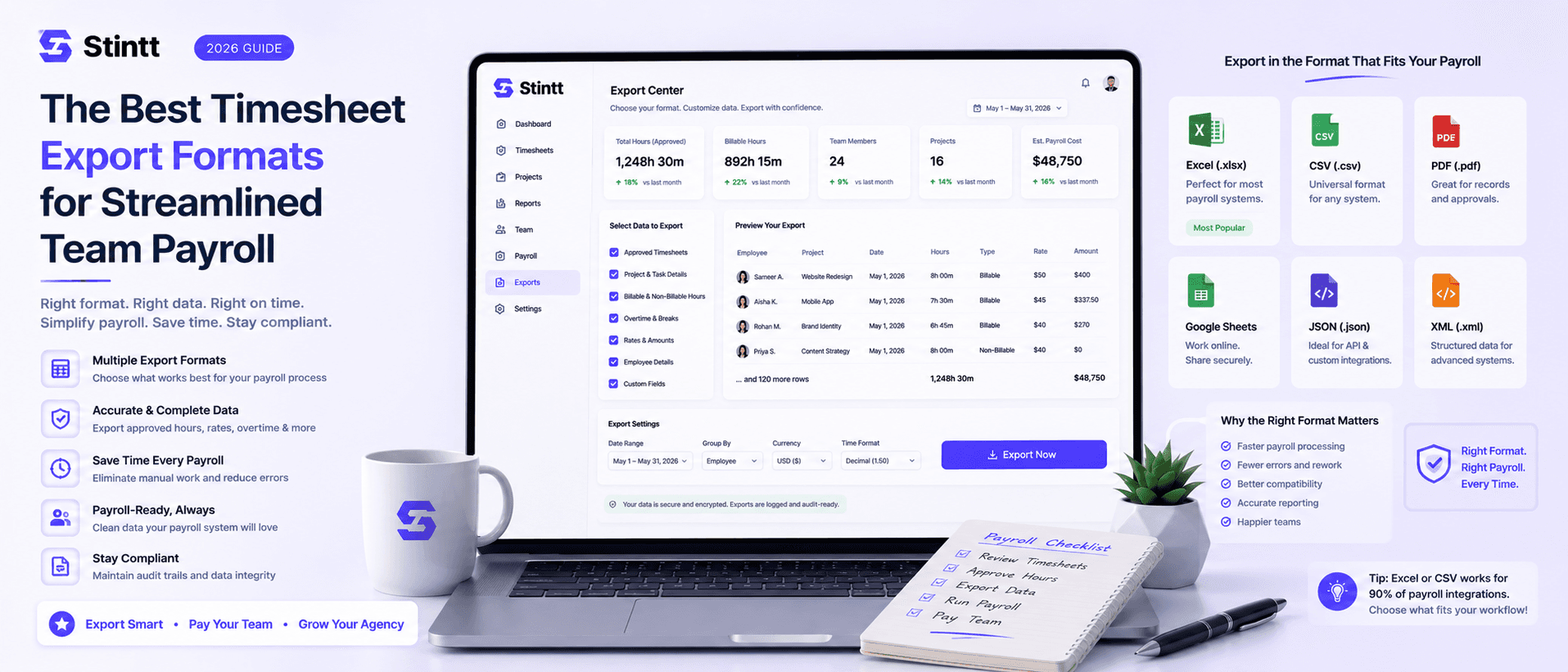
The Best Timesheet Export Formats for Streamlined Team Payroll
Payroll rarely goes wrong at the pay run itself — it goes wrong one step earlier, in the file you hand your accountant. This guide covers the timesheet export formats worth using and when each fits: CSV to feed a system, Excel to review, PDF to archive. Plus the fields every export needs, the habits that keep it error-free, and how to keep the whole thing audit-ready.
The Best Timesheet Export Formats for Streamlined Team Payroll
Payroll rarely goes wrong at the pay run itself. It goes wrong one step earlier, in the file you hand your accountant. A pay period can quietly eat hours of admin, and every hand-keyed figure is another chance to mistype an hour, misread a column, or pay someone twice — each one a potential compliance headache. The fix isn't working the spreadsheet harder. It's exporting hours in a format your payroll system can actually ingest, from a source someone already checked.
This guide covers the formats worth using, when each fits, the fields your export can't ship without, and how to keep it audit-ready. The examples use Stintt, which drafts timesheets from Google Calendar, but the format advice holds whatever you track with.
CSV or Excel: pick by where the file is going

The choice comes down to one question: is a machine reading this file, or a person?
CSV is plain text — commas between values, nothing else. That's its strength. Almost every accounting and payroll system imports it cleanly, and it stays fast even on a large team's monthly export. If the file is going straight into another system, use CSV.
Excel keeps formatting, formulas, and multiple tabs. That's dead weight for a payroll import, but exactly what you want when a manager needs to read the file — sort by client, total by person, eyeball an outlier before sign-off. If a human is reviewing it, use Excel.
| Format | Primary strength | Best use case |
|---|---|---|
| CSV | Fast, universal import | Feeding a payroll or accounting system |
| Excel | Formatting and formulas | Manual review and auditing |
The fields every export needs
A file only imports without hand-fixing if it carries the fields the receiving system expects. The non-negotiable columns:
- Date — one row per work block, not a weekly lump
- Project or client — so hours land on the right invoice
- Duration — in the unit your system uses, hours or minutes
- Rate and total — if the export feeds billing, not just payroll
One technical detail trips teams up with flat files: the header row. Column labels and delimiters have to match what the payroll software expects, or the import silently misreads a column. Lock the naming and order once, reuse it every cycle, and that whole class of error goes away.
Keep the export error-free

A clean export is mostly discipline, not tooling. A few habits carry most of the weight:
- Export only approved hours. Nothing unverified should reach a payroll file. If your data starts clean — calendar events pre-categorized before anyone touches them — you're reviewing, not reconstructing.
- Batch the whole team at once. One export beats twelve individual files for both speed and oversight.
- Mark timesheets exported the moment you pull them. It's the simplest guard against paying someone twice.
- Keep a template library. Monthly billing and quarterly tax runs each have their own shape; saved templates spare you the reconfiguration every time.
- Preview before you send. Thirty seconds scanning for a blank column or a broken formula beats a correction run next month.
From spreadsheets to something that maintains itself
Manual Google Sheets templates stop scaling the moment more than a couple of people bill time — the reasons are the subject of why Excel timesheet templates aren't time tracking. Someone has to chase entries, reconcile them, and reformat the file — the Friday scramble, dressed up as a system.
Pulling from the calendar changes the input. Connect through a read-only OAuth scope and the tool reads events without editing anything, drafting entries from meetings and focus blocks that already happened. Manual entry mostly disappears, and reporting standardizes on its own: hours by client, capacity per person, where the meeting load really goes. The trade-offs between the two approaches are laid out in calendar-based vs manual time tracking. The team stays on the work; the record builds itself.
Compliance and audit trails

Good records aren't just tidy — for US employers with hourly staff they're the law. The Fair Labor Standards Act requires you to document hours worked and let employees verify their timesheets before payroll runs. Falling short carries real financial and legal exposure.
An automated trail handles most of that paperwork for you. In Stintt, every entry traces back to the calendar event it was drafted from, and approval is the gate: entries stay drafts until a person approves them, and only approved hours reach an export. A reviewer can send an entry back with a note instead of quietly deleting it, so the correction stays part of the record. When an auditor questions a line, "drafted from this event, approved by the person who did the work" ends the conversation.
Custom configurations and print-ready records
Proprietary payroll systems often want their own exact shape. Stintt ships six built-in templates — including a client-billing layout — plus a custom mode where you pick the columns and their order, with five date formats so the dates parse the way the receiving system expects. Narrow an export to specific people and a date range, then pull the whole team into one file, and it arrives with little left to touch up by hand.
For records that leave the building — client invoices, statutory filings — you want something stable and non-editable. A PDF freezes the document exactly as approved: tamper-evident and archive-ready. Some older systems still ingest plain .txt instead, which is fine where that's all they read. Keep a template for these too, and preview before anything reaches a client.
One click from payroll-ready
The right format is the last link in a reliable payroll cycle: CSV to feed a system, Excel to review, PDF to archive. Get that right, drawing from hours a human already approved, and both the Friday scramble and the re-keying errors that ride with manual entry go away.
Stintt turns calendar events into ready-to-submit timesheets in seconds. One admin connects Google Calendar, it pulls up to 18 months of history, AI sorts events into meetings, focus work, and admin, and approved hours export to CSV, Excel, or PDF in a click. Try Stintt for free and see how fast scattered calendar events become a clean, audit-ready payroll file.
- See how Stintt builds automatic timesheets from Google Calendar
- Set up the Google Calendar timesheet integration
- Try the free timesheet calculator
- Compare plans on Stintt pricing
Related articles

Free Timesheet Templates for Freelancers 2026
Download free timesheet templates designed for freelancers in 2026. Excel, Google Sheets, and auto-generated options — plus a smarter alternative that fills itself.
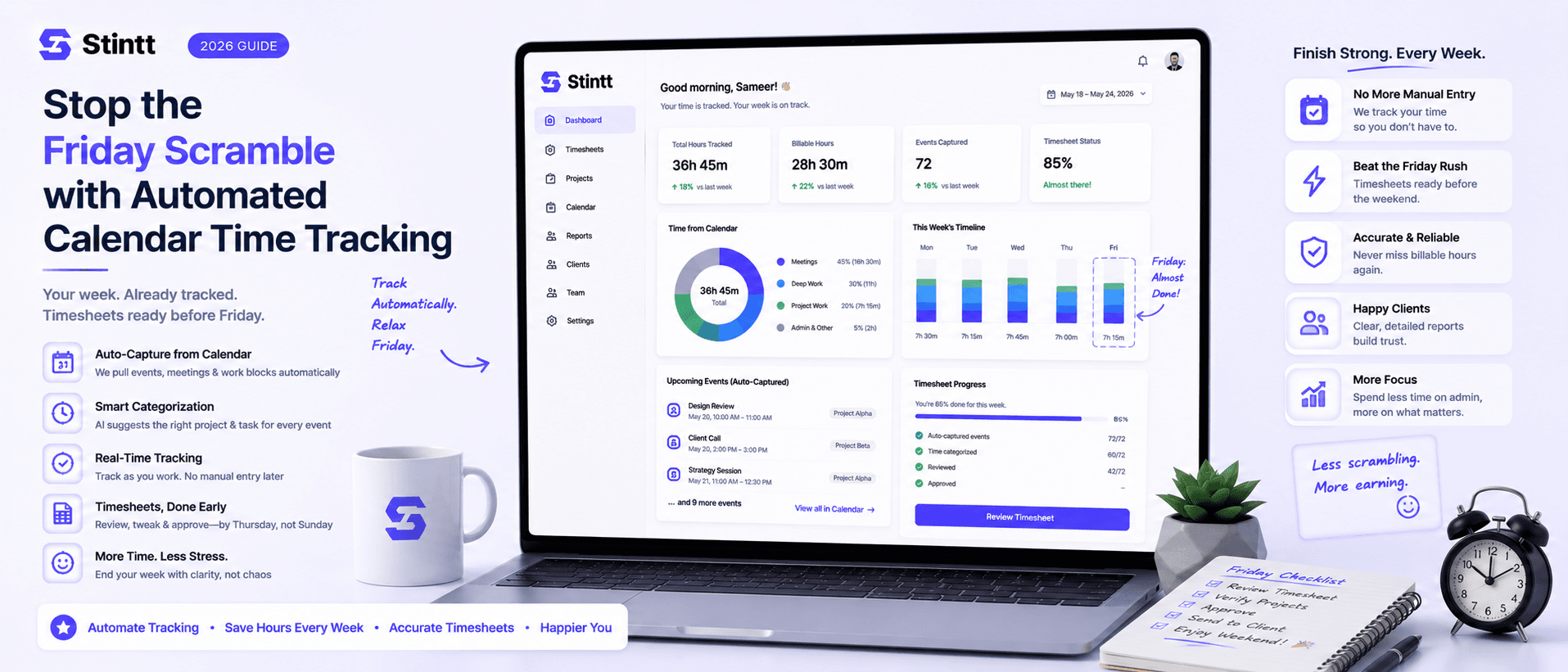
Stop the Friday Scramble with Automated Calendar Time Tracking
Automated calendar time tracking takes the events already sitting in your team's Google Calendars and turns them into drafted timesheet entries each person reviews and approves. Nobody reconstructs a week from memory at 4pm on Friday, and you stop spending Monday chasing the people who never submitted. Here's what the Friday scramble really costs, how calendar-based tracking closes the loop through to invoices, and where it's the wrong fit.
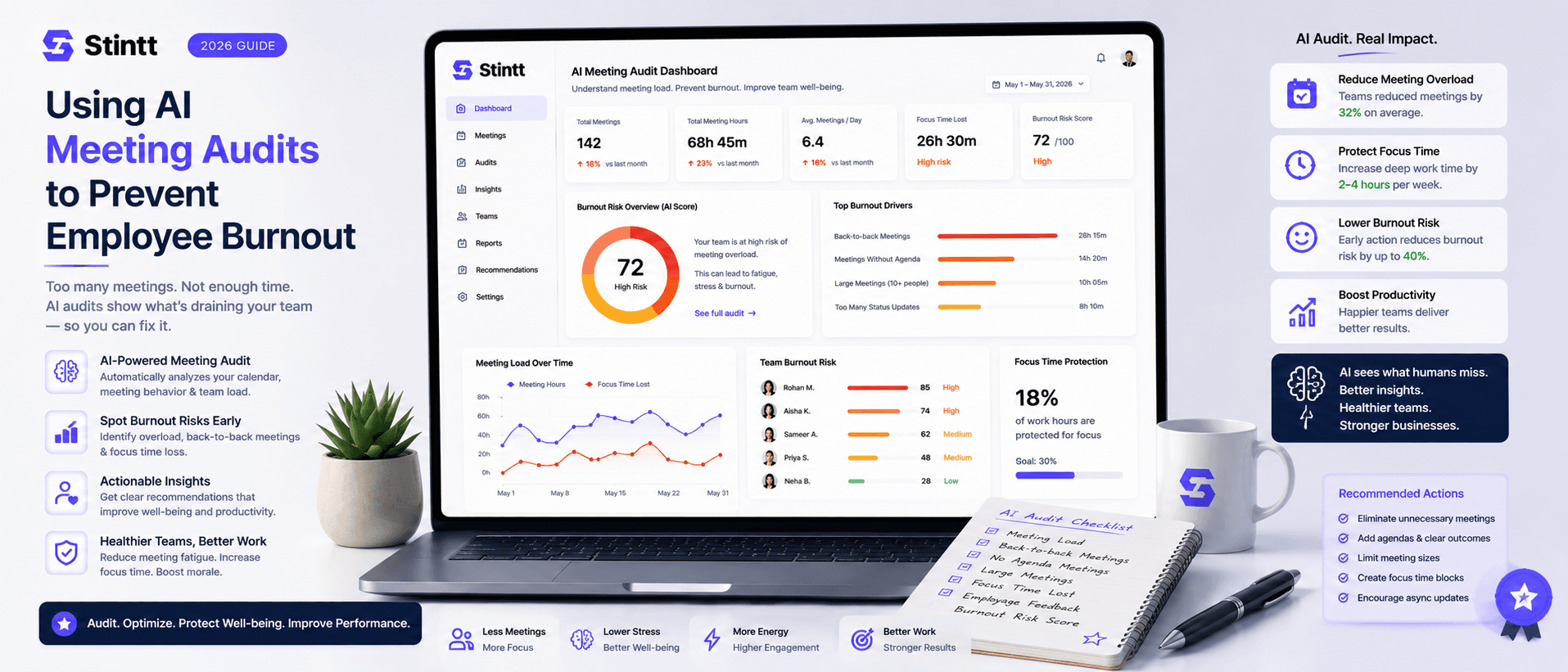
Using AI Meeting Audits to Prevent Employee Burnout
The average professional spends nearly 13 hours a week in meetings — about 84 working days a year — and constant context-switching quietly drains 20% of their mental capacity. At some point a packed calendar stops being busy and starts being a burnout risk. An AI meeting audit reads the calendar your team already keeps and gives you an honest split of meeting load versus focus time, early enough to rebalance workloads before people quit. Here's how it works, the frameworks that make meetings earn their place, and how to gather the insight without tipping into surveillance.