


The Ultimate Guide to Automating Your Timesheets in 2026
Stop wasting 30 minutes every Friday. Learn how Stintt turns your calendar into a perfect timesheet — automatically.
Why Timesheet Automation Matters
Every week, millions of professionals spend 30+ minutes manually filling out timesheets. That is over 26 hours per year wasted on a task that should take zero effort.
"Time you enjoy wasting is not wasted time." — But time you spend on timesheets definitely is.
The Problem with Manual Timesheets
Most teams still rely on clunky spreadsheets or outdated HR portals. Here is what goes wrong:
- Forgotten entries — you cannot remember what you did on Tuesday
- Inaccurate hours — rounding errors add up fast
- Context switching — jumping between calendar and timesheet breaks focus
- Compliance risk — missed entries can cause audit failures
How Calendar-Based Automation Works
Stintt connects to your existing calendar (Google, Outlook, or iCal) and automatically maps events to timesheet entries.
Step 1: Connect Your Calendar
Link your work calendar in under 60 seconds. We support:
- Google Calendar (personal and workspace)
- Microsoft Outlook / Office 365
- Apple iCal via CalDAV
Step 2: Configure Mapping Rules
Define how calendar events translate into timesheet rows:
{
  "rules": [
    {
      "match": "standup",
      "project": "PROJ-001",
      "task": "Daily Sync"
    },
    {
      "match": "client call",
      "project": "CLIENT-A",
      "task": "Meetings"
    }
  ]
}
Step 3: Review & Submit
Each Friday, open Stintt to see your pre-filled timesheet. Make any adjustments, then export to CSV, PDF, or push directly to your HR system.
What to Expect
The honest version: the time you save is the time you currently spend
reconstructing the week from memory. For most people that is 20–30 minutes every
Friday — what 26 hours a year of timesheeting actually costs
you
works the arithmetic through.
Accuracy improves for a separate reason: a calendar entry was written down when
the work happened, not recalled four days later. The memory
tax
covers why recall is the weakest link in any timesheet.
Getting Started
Ready to reclaim your Friday afternoons? Sign up for free and connect your calendar in under a minute.
This article is part of our Productivity series. Stay tuned for more tips on working smarter, not harder.
- See how Stintt builds automatic timesheets from Google Calendar
- Set up the Google Calendar timesheet integration
- Try the free timesheet calculator
- Compare plans on Stintt pricing
Related articles

Free Timesheet Templates for Freelancers 2026
Download free timesheet templates designed for freelancers in 2026. Excel, Google Sheets, and auto-generated options — plus a smarter alternative that fills itself.
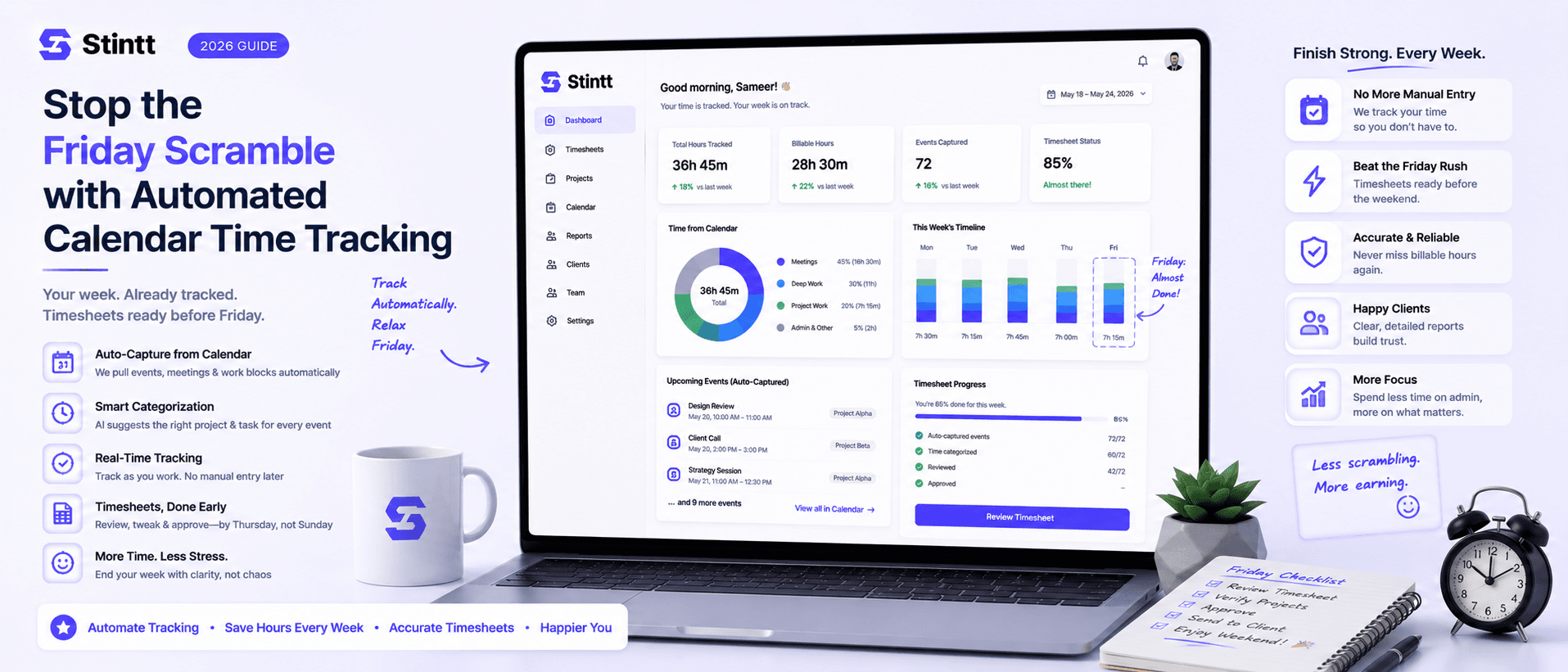
Stop the Friday Scramble with Automated Calendar Time Tracking
Automated calendar time tracking takes the events already sitting in your team's Google Calendars and turns them into drafted timesheet entries each person reviews and approves. Nobody reconstructs a week from memory at 4pm on Friday, and you stop spending Monday chasing the people who never submitted. Here's what the Friday scramble really costs, how calendar-based tracking closes the loop through to invoices, and where it's the wrong fit.
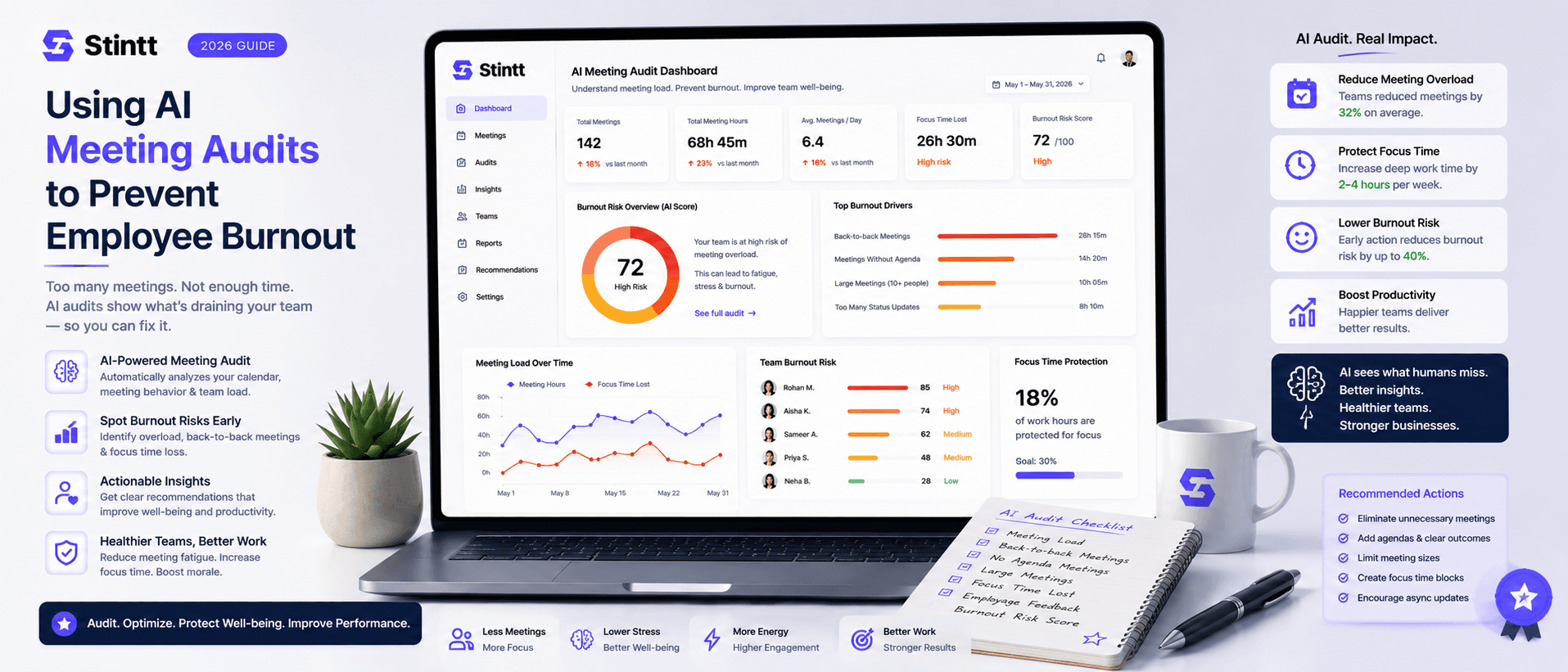
Using AI Meeting Audits to Prevent Employee Burnout
The average professional spends nearly 13 hours a week in meetings — about 84 working days a year — and constant context-switching quietly drains 20% of their mental capacity. At some point a packed calendar stops being busy and starts being a burnout risk. An AI meeting audit reads the calendar your team already keeps and gives you an honest split of meeting load versus focus time, early enough to rebalance workloads before people quit. Here's how it works, the frameworks that make meetings earn their place, and how to gather the insight without tipping into surveillance.